تراه في أجهزة الكمبيوتر.. ماذا يعني «SSD»؟
23 أغسطس 2026·البيان
تراه في أجهزة الكمبيوتر.. ماذا يعني «SSD»؟

على مدار عقود، اعتمدت أجهزة الكمبيوتر على محركات الأقراص الصلبة التقليدية «HDD» لتخزين البيانات، وكانت هذه التقنية قادرة على توفير مساحات تخزين كبيرة وبتكلفة مناسبة. لكن ظهور محركات الأقراص ذات الحالة الصلبة «SSD» أحدث تحولًا كبيرًا في طريقة تخزين البيانات والوصول إليها، بفضل سرعتها العالية وغياب الأجزاء الميكانيكية المتحركة.

ماذا يعني SSD؟

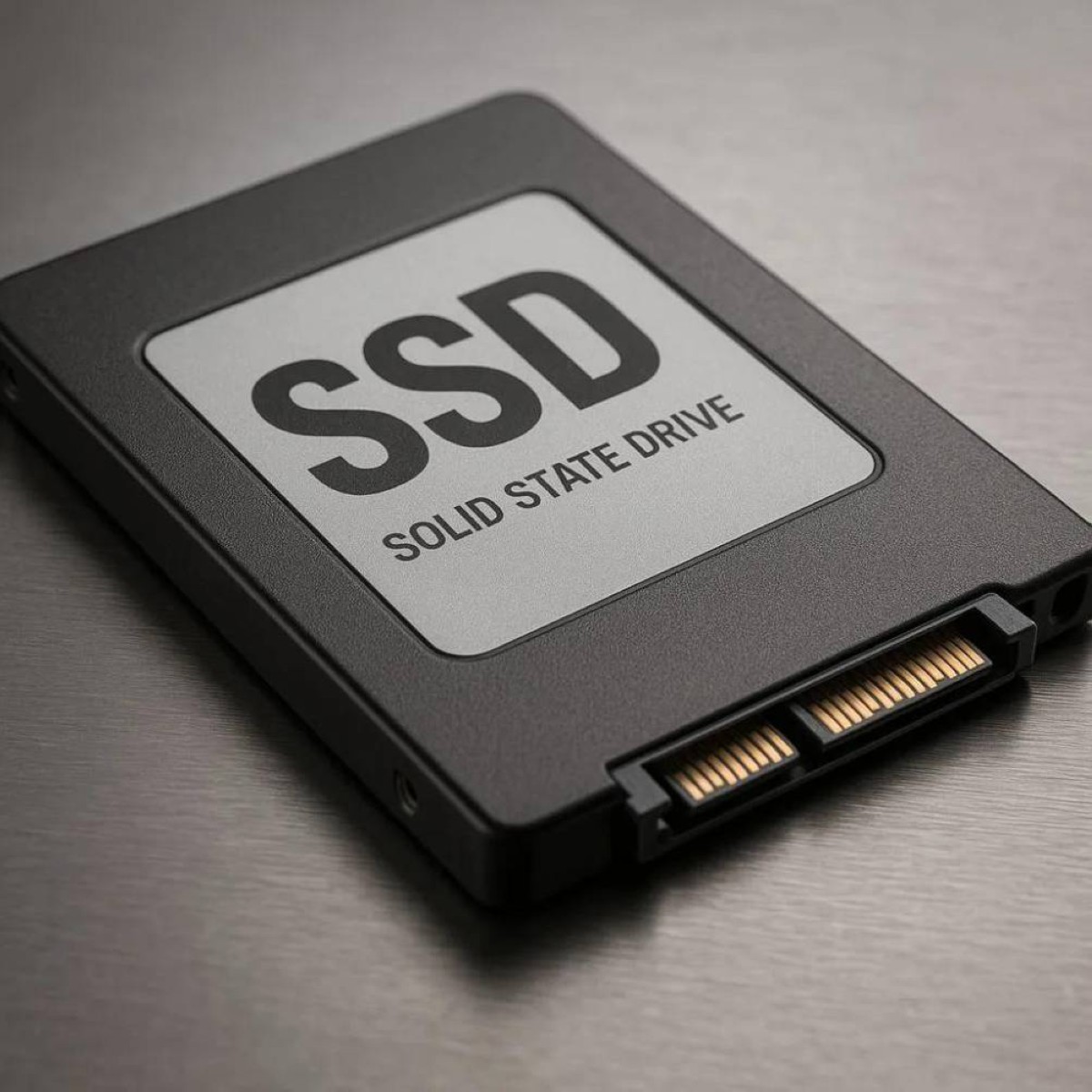
يرمز اختصار SSD إلى «Solid State Drive»، أي محرك الأقراص ذو الحالة الصلبة. والمقصود بعبارة «الحالة الصلبة» أن المحرك لا يعتمد على أجزاء متحركة، على عكس محركات «HDD» التي تحتوي على أقراص دوارة ورأس ميكانيكي للقراءة والكتابة.

بدلًا من ذلك، يخزن SSD البيانات إلكترونيا داخل شرائح ذاكرة فلاش، ما يسمح بالوصول إليها بصورة أسرع بكثير. كما أن غياب الأجزاء المتحركة يقلل من احتمالات تعرض المحرك للتلف الناتج عن الصدمات والحركة.

ويُصنف SSD، مثل HDD، ضمن وسائط التخزين غير المتطايرة، أي أن البيانات تبقى محفوظة حتى بعد فصل الجهاز عن الكهرباء. وهذا يختلف عن ذاكرة الوصول العشوائي «RAM»، التي تفقد البيانات المخزنة فيها عند انقطاع الطاقة، وفقا لـ "bgr.".

كيف يخزن SSD البيانات؟

لفهم سر سرعة SSD، من المفيد مقارنته بمحرك HDD التقليدي.

في محركات HDD، تُخزن البيانات على أقراص فعلية مغطاة بطبقة مغناطيسية. وعندما يحتاج الكمبيوتر إلى قراءة ملف أو كتابة بيانات جديدة، يدور القرص ويتحرك رأس القراءة والكتابة إلى الموقع المطلوب، ما يضيف وقتًا للحركة الميكانيكية.

أما SSD فلا يحتاج إلى أي حركة ميكانيكية. إذ تُخزن البيانات داخل خلايا ذاكرة فلاش على شكل شحنات كهربائية، ويقرأ المحرك هذه الشحنات لتحديد البيانات المخزنة وتحويلها إلى معلومات رقمية.

وهذا هو أحد أهم أسباب تفوق SSD في السرعة؛ فبدل انتظار دوران قرص وتحرك رأس ميكانيكي، يستطيع المحرك الوصول إلى البيانات إلكترونيًا.

لماذا SSD أسرع من HDD؟

الفرق في السرعة يمكن أن يكون كبيرًا جدًا. فحتى محركات SSD التي تستخدم واجهة SATA يمكن أن تصل سرعة نقل البيانات فيها إلى نحو 550 ميجابايت في الثانية، بينما تصل سرعة محركات HDD التقليدية إلى حوالي 160 ميجابايت في الثانية في أفضل الحالات.

أما محركات NVMe SSD الحديثة، فتقدم سرعات أعلى بكثير، خصوصًا مع واجهة PCIe Gen 5.0، إذ يمكن لبعض الطرز المتطورة الوصول إلى نحو 14 ألف ميجابايت في الثانية، أي حوالي 14 جيجابايت في الثانية.

ولا تقتصر ميزة SSD على نقل الملفات فقط؛ فسرعة الوصول إلى البيانات تجعل تشغيل نظام التشغيل والبرامج وفتح الملفات والألعاب أسرع بصورة ملحوظة مقارنة بمحركات HDD.

هل كل محركات SSD متشابهة؟

تستخدم محركات SSD أنواعًا مختلفة من خلايا الذاكرة، ويحدد عدد البتات التي يمكن تخزينها في كل خلية جزءًا من خصائص المحرك، مثل السرعة والتحمل والتكلفة.

في البداية، استخدمت محركات SSD تقنية SLC، أو الخلايا أحادية المستوى، التي تخزن بتًا واحدًا في كل خلية. وتتميز هذه التقنية عادةً بأداء مرتفع وعمر كتابة أطول، لكنها أكثر تكلفة.

ثم ظهرت تقنيات أكثر كثافة مثل MLC وTLC وQLC، التي تخزن عددًا أكبر من البتات في الخلية الواحدة. ويسمح ذلك بتوفير سعات أكبر بأسعار أقل، لكن زيادة عدد البتات في الخلية ترتبط عادةً بانخفاض نسبي في السرعة والتحمل مقارنة بتقنية SLC.

لماذا لم تختفِ محركات HDD تمامًا؟

رغم تفوق SSD في السرعة، لا تزال محركات HDD تحتفظ بميزة مهمة، وهي انخفاض تكلفة التخزين لكل جيجابايت، خصوصًا عندما تكون الحاجة إلى مساحات ضخمة من البيانات أكبر من الحاجة إلى السرعة.

ولهذا السبب، لا تزال HDD مستخدمة في بعض مراكز البيانات وأنظمة النسخ الاحتياطي والتخزين طويل الأمد، بينما أصبحت SSD الخيار المفضل في أجهزة الكمبيوتر المحمولة والمكتبية الحديثة، حيث تكون سرعة الاستجابة والأداء اليومي أكثر أهمية.

SSDHDDcomputers
الخبر متوفّر باللغات التالية:English
المصدر الأصلي للخبر
البيان

You see it in computers... What does “SSD” mean?

August 23, 2026·Al Bayan
You see it in computers... What does “SSD” mean?

For decades, computers have relied on traditional hard disk drives (HDDs) to store data. This technology has provided ample storage space at an affordable cost. However, the emergence of solid-state drives (SSDs) has significantly transformed how we store and access data, thanks to their high speed and absence of moving mechanical parts.

What does SSD mean?

The acronym SSD stands for “Solid State Drive.” The term “solid state” refers to the fact that the drive relies on no moving parts, unlike HDDs which contain spinning disks and a mechanical read/write head.

Instead, SSD stores data electronically within flash memory chips, allowing for much faster access. The absence of moving parts also reduces the likelihood of damage from shocks or movement.

Like HDDs, SSDs are classified as non-volatile storage media, meaning that data remains preserved even after the device is powered off. This differs from random access memory (RAM), which loses stored data when power is cut off, according to “bgr.”

How does an SSD store data?

To understand the secret behind SSD’s speed, it helps to compare it with a traditional HDD.

In HDDs, data is stored on actual disks covered with a magnetic layer. When the computer needs to read a file or write new data, the disk spins and the read/write head moves to the required location, which adds time for mechanical movement.

SSD does not require any mechanical movement at all. Data is stored inside flash memory cells in the form of electrical charges, and the drive reads these charges to determine the stored data and convert it into digital information.

This is one of the most important reasons for SSD’s superiority in speed; instead of waiting for a disk to spin and a mechanical head to move, the drive can access data electronically.

Why are SSDs faster than HDDs?

The difference in speed can be very significant. Even SSD drives that use SATA interface can reach data transfer speeds of around 550 megabytes per second, while traditional HDD drives reach about 160 megabytes per second at best.

Modern NVMe SSDs offer much higher speeds, especially with PCIe Gen 5.0 interface; some advanced models can reach up to 14,000 megabytes per second, which is approximately 14 gigabytes per second.

The advantage of SSD does not only extend to file transfer; the speed at which data is accessed makes operating the operating system and programs, opening files, and playing games significantly faster compared to HDD drives.

Are all SSDs similar?

SSD drives use different types of memory cells, and the number of bits that can be stored in each cell determines part of the drive’s characteristics, such as speed, endurance, and cost.

Initially, SSD drives used SLC technology, or single-level cells, which store one bit per cell. This technology usually boasts high performance and longer write life, but it is more expensive.

More dense technologies such as MLC, TLC, and QLC then emerged, storing a greater number of bits in each cell. This allows for larger capacities at lower prices, but increasing the number of bits per cell usually correlates with a relative decrease in speed and endurance compared to SLC technology.

Why haven’t HDD drives completely disappeared?

Despite SSDs’ superior speed, HDD drives still retain an important advantage: lower storage cost per gigabyte, especially when the need for large amounts of data is greater than the need for speed.

For this reason, HDDs are still used in some data centers and backup systems as well as long-term storage, while SSDs have become the preferred choice in modern laptops and desktops where response time and daily performance are more important.

SSDHDDcomputers
This article is also available in:العربية
Original source article
Al Bayan