كيف تحمي أجهزتك من الصواعق
7 يوليو 2026·إنجاجيت
كيف تحمي أجهزتك من الصواعق

التخطيط المسبق لا يضر أحدًا أبدًا.

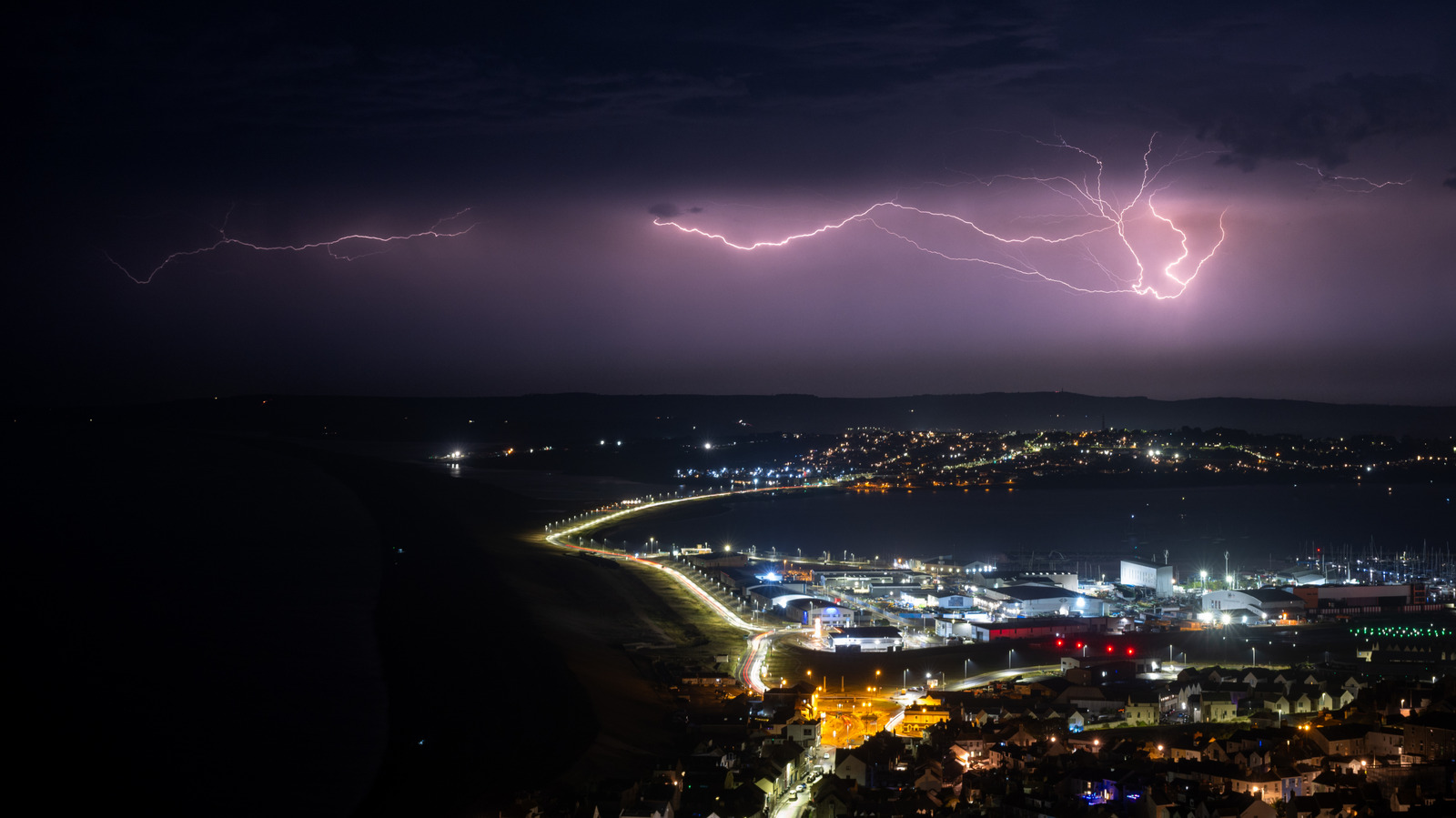
بقلم جابرييلا فاتو 7 يوليو 2026 9:30 ص EST Finnbarr Webster/Getty Images

يمكن أن تحرق عاصفة رعدية واحدة جهاز الكمبيوتر الخاص بك، وتلفزيونك، الثلاجة، المودم، بلاي ستيشن وأي شيء آخر متصل بالكهرباء. كل ما يتطلبه الأمر هي ثوانٍ معدودة، لكن الضرر قد يكون مكلفًا للغاية، خاصة وأن الأجهزة الإلكترونية يمكن أن تشتعل النار فيها في مثل هذه المواقف. في الواقع، "مكلف للغاية" هو تعبير مبالغ فيه قليلاً، لأن الحرائق الكهربائية السكنية تسببت في خسائر مادية تجاوزت 1.2 مليار دولار في الولايات المتحدة عام 2021. الخبر السار هو أن بضع خطوات استباقية يمكن أن تنقذك من فاتورة إصلاح باهظة الثمن.

التصرف بسرعة عند حدوث عاصفة والاستثمار بشكل استباقي في سلامة منزلك هما أفضل طريقة للمساعدة في تجنب الخسارة المكلفة. بعد كل شيء، لا تريد الانتظار حتى تستبدل جهاز كمبيوتر بـ 1500 دولار وتلفزيون كبير الحجم، أليس كذلك؟

How does lightning actually damage electronics?
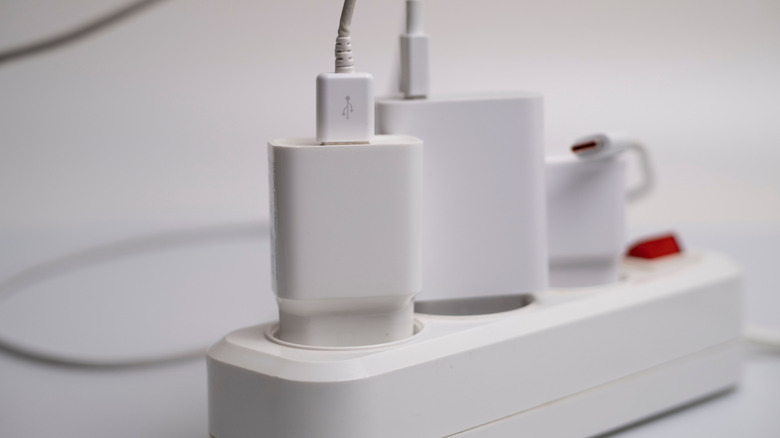
Chargers plugged into a power strip Pexels: Саша Алалыкин

In recent years, we're seeing powerful storms more frequently. Climate change has had a direct impact on both the frequency and intensity of such events, so we're likely to encounter more extreme weather incidents as time goes on. When lightning storms strike near your home, they can send a massive power surge through your electrical wiring. That surge travels fast, overwhelming the circuits inside your device.

According to the CDC, lightning can also travel through a building's plumbing and any metal wires embedded in concrete walls or flooring, so the threat is broader than most people realize.

لا يجب أن تأتي طفرات الطاقة من ضربة مباشرة، أيضًا. يمكن أن تسبب الضربات القريبة ارتفاعًا في الجهد قويًا بما يكفي لإتلاف الإلكترونيات الحساسة مثل أجهزة الكمبيوتر، وأجهزة التلفزيون، وأجهزة الألعاب.

ماذا يجب عليك فعله لحماية أجهزتك من ضربات البرق؟

مكتب منزلي مع شاشة، لوحة مفاتيح، وأجهزة أخرى Alvarez/Getty Images

التعليمات من إدارة الطوارئ الفيدرالية واضحة جدًا بشأن ما يجب أن تكون عليه خط الدفاع الأول: عند رؤية عاصفة شديدة، قم بفصل كل شيء. إنها أسهل وأرخص شيء يمكنك فعله.

في حين أن اتخاذ إجراء أثناء العواصف مهم بالتأكيد، إلا أنه من الضروري بالمثل التفكير مسبقًا والعمل على الوقاية. فيما يلي بعض الأشياء التي يمكنك القيام بها لحماية تقنياتك الثمينة قبل وصول العواصف:

  • استخدم حماية من ارتفاع الجهد. يمكنك شراء مقابس كهربائية مزودة بحماية داخلية من الإفراط في التحميل، والتي يمكن استخدامها للأجهزة الإلكترونية الحساسة مثل أجهزة الكمبيوتر وأنظمة الترفيه.

  • قم بتوصيل الأجهزة الرئيسية مباشرة بمآخذ الجدار. يمكن أن تسبب الأسلاك الممتدة ارتفاعًا في درجة الحرارة، لذا فإن نصيحة إدارة الطوارئ الفيدرالية هي توصيل الثلاجة والموقد وغسالات الملابس ومجففاتها مباشرة بمآخذ الجدار.

  • حماية من ارتفاع الجهد للمنزل بأكمله خيار متاح. عند تركيبها في لوحة الكهرباء في منزلك، توفر هذه الأجهزة حماية لجميع أجهزتك الإلكترونية.

  • فكر في استخدام أعمدة البرق أو نظام حماية البرق. إذا كنت تعيش في منطقة معرضة للعواصف، فقد تحتاج إلى اتخاذ خطوات إضافية لإعادة توجيه الطاقة الكهربائية بأمان إلى الأرض.

ما الذي يجب مراقبته عند حماية منزلك من العواصف الرعدية
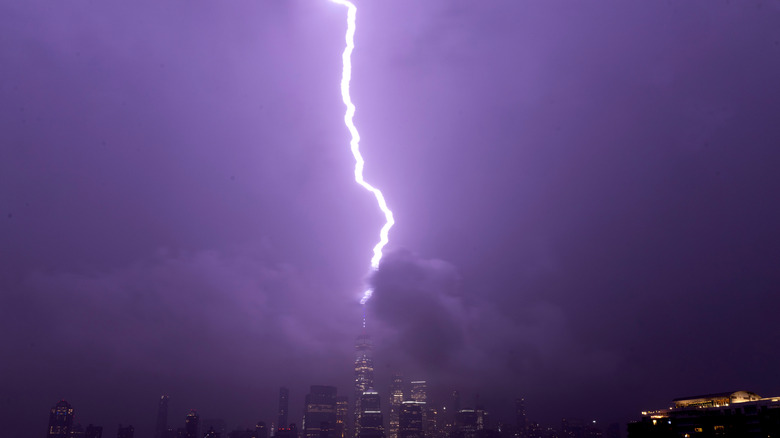
صاعقة تضرب قضيبًا رعديًا على قمة مبنى غاري هيرشورن/Getty Images

حماية الأجهزة من الصواعق ليست معقدة، ولكنها تتطلب خطة. يجب أن تكون أجهزة حماية الفولتية الزائدة واحدة من أول الاستثمارات التي تقوم بها لأجهزتك الإلكترونية الأكثر قيمة. تضيف شريط الطاقة القياسي منافذ إضافية فقط، ولكن جهاز حماية الفولتية الزائدة يحول الفولتية الزائدة بعيدًا عن الأجهزة. يشير تصنيف جول إلى مقدار الطاقة التي يمكن للمحمي امتصاصها قبل أن يفشل. ستحتاج إلى تصنيف 2000 جول أو أعلى لأجهزتك الحاسوبية. الفولتية المشدودة هي الفولتية المحفزة التي تسبب في بدء المحمي بتحويل الطاقة؛ تريد أن تكون أقل من 400 فولت (كلما كانت أقل، كلما كان أفضل).

بالنسبة للأجهزة الأكبر التي تحتاج إلى توصيلها بالتيار الكهربائي على مدار الساعة، ولا يمكنك ببساطة فصلها عند اقتراب العاصفة، يمكنك التفكير في شراء مصدر طاقة غير قابل للإيقاف (UPS). يعمل هذا المصدر كوسيط بين منفذ الجدار وأجهزتك؛ يحتوي على بطارية احتياطية ودائرة حماية متقدمة ضد ارتفاع التيار. إذا ارتفع التيار أو انقطع تمامًا، يقوم مصدر الطاقة غير القابل للإيقاف بالتبديل إلى الطاقة المخزنة في البطارية.

على الرغم من أنه قد يكون أكثر تكلفة قليلاً، إلا أن الحصول على كهربائي مرخص لتثبيت جهاز حماية ضد ارتفاع التيار في لوحة الكهرباء الرئيسية الخاصة بك قد يكون أفضل خيار.

حماية أجهزتك الإلكترونية من البرق أمر بسيط: الاستعداد قبل العاصفة، وليس بعدها. وتذكر أنه عند وجودك في المنزل، يظل فصل الأجهزة عن التيار الكهربائي خيارًا موثوقًا ومستدامًا. وعند غيابك، قد تكون الاستثمارات المالية التي تقوم بها في أجهزة حماية ارتفاع التيار هي الفارق بين فقدان الأجهزة باهظة الثمن وأمان منزلك.

lightninggadgetsprotection
الخبر متوفّر باللغات التالية:English
المصدر الأصلي للخبر
إنجاجيت

How to protect your tech from lightning strikes

July 07, 2026·Engadget
How to protect your tech from lightning strikes

Planning ahead never hurt anyone.

By Gabriela Vătu July 7, 2026 9:30 am EST Finnbarr Webster/Getty Images

A single thunderstorm can fry your PC, TV, fridge, router, PlayStation and pretty much anything else you have plugged in. It only takes seconds, but the damage can be quite costly, especially as appliances and tech can catch fire in such situations. In fact, "quite costly" is mildly put, because residential electrical fires caused over $1.2 billion in property losses in the US in 2021. The good news is that a few proactive steps can save you from an expensive repair bill.

Being quick to act when a storm hits and making preemptive investments in your home's safety are the best ways to help avoid a costly loss. After all, you don't want to wait until you're replacing a $1,500 PC and your massive TV, right?

How does lightning actually damage electronics?

Chargers plugged into a power strip Pexels: Саша Алалыкин

In recent years, we're seeing powerful storms more frequently. Climate change has had a direct impact on both the frequency and intensity of such events, so we're likely to encounter more extreme weather incidents as time goes on. When lightning storms strike near your home, they can send a massive power surge through your electrical wiring. That surge travels fast, overwhelming the circuits inside your device.

According to the CDC, lightning can also travel through a building's plumbing and any metal wires embedded in concrete walls or flooring, so the threat is broader than most people realize.

Power surges don't have to come from a direct strike, either. A nearby strike can induce a voltage spike strong enough to damage sensitive electronics like computers, TVs and gaming consoles.

What should you do to safeguard your devices from lightning strikes?

Home office with monitor, keyboard, and other gadgets Alvarez/Getty Images

The instructions from FEMA are pretty clear on what your first line of defense has to be: when you see a bad storm coming, unplug everything. It's the easiest and most affordable thing you can do.

While taking action during storms is certainly important, it's equally essential to think ahead and work on prevention. Here are a few things you can do to safeguard your expensive tech before storms hit:

  • Use surge protectors. You can buy power strips with internal overload protection that you can use for sensitive electronics like computers and entertainment systems.

  • Plug major appliances directly into wall outlets. Extension cords can overheat, so FEMA's advice is to plug your fridge, stove, washers and dryers directly into wall outlets.

  • Whole-home surge protection is an option. Installed into your home's electric panel, these devices offer downstream protection for all your electronics.

  • Look into lightning rods or a lightning protection system. If you live in a storm-prone area, you may need to take additional steps to redirect electrical energy safely into the ground.

What to look for when safeguarding your home against lightning storms

Lightning hitting a lightning rod on top of a building Gary Hershorn/Getty Images

Lightning protection isn't complicated, but it does require a plan. Surge protectors should be one of the first investments you make for your most valuable electronics. A standard power strip just adds extra outlets, but a surge protector diverts the excess voltage away from your devices. The Joule rating indicates how much energy the protector can absorb before it fails. You'll need a rating of 2,000 joules or higher for your computer. The clamping voltage is the trigger voltage that causes the protector to start diverting power; you want this to be under 400V (the lower, the better).

For larger devices that need to be plugged in around the clock and you can't just unplug when a storm nears, you could look into an Uninterruptible Power Supply (UPS). The UPS acts as a middleman between the wall outlet and your tech; it contains a battery backup and advanced surge protection circuitry. If the power spikes or goes out completely, the UPS switches to battery power.

Although it may be a bit more pricey, getting a licensed electrician to install a surge protective device into your main electrical panel may be the best route.

Protecting your electronics from lightning is simple: prepare before the storm, not after it. And remember, when you're home, unplugging your devices remains a reliable and sustainable choice. When you're away, the financial investments you make in surge protectors may make the difference between losing expensive gadgets and your home being safe.

lightninggadgetsprotection
This article is also available in:العربية
Original source article
Engadget