قد ترغب في تخطي استخدام سماعة رأس بلوتوث من أجل تجربة لعب أفضل
22 أغسطس 2026·إنجاجيت
قد ترغب في تخطي استخدام سماعة رأس بلوتوث من أجل تجربة لعب أفضل

بلوتوث مريح، لكنه به الكثير من العيوب التي تجعله الخيار الأفضل للألعاب.

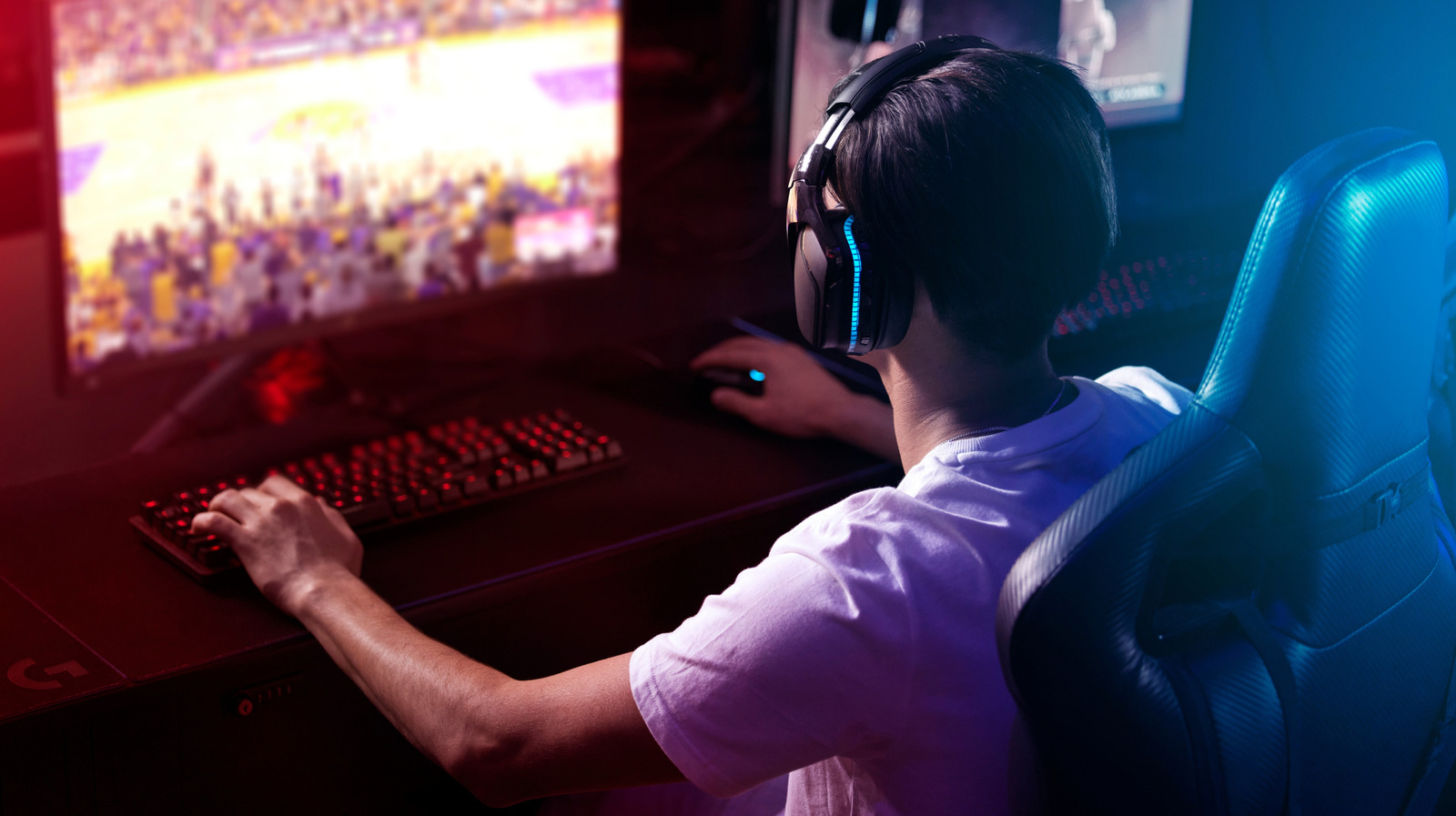
بقلم جابرييلا فاتو في 22 أغسطس 2026 12:30 مساءً بتوقيت شرق الولايات المتحدة PeopleImages/Shutterstock

سماعات الرأس اللاسلكية بلوتوث مناسبة للاتصالات والموسيقى والبودكاست لأنها سهلة الاقتران، وتتوافق مع أي شيء تقريبًا وخالية من الفوضى الكابلات. ولكن بالنسبة للألعاب، فإن هذا الراحة لها ثمن. يقدم الصوت عبر البلوتوث تأخير لن تلاحظه حتى يبدأ في التكلفة: نوافذ توقيت مفقودة، وصوت يتأخر إيقاعه عن الحركة ودلائل تنقسم إلى جزء من الثانية تكون متأخرة للغاية للتصرف. الفجوة بين ما يحدث على الشاشة وما تسمعه صغيرة لدرجة يمكن تجاهلها في الاستخدام العادي، ولكنها كبيرة بما يكفي لتؤثر عليك عندما يكون الملي ثانية مهمًا.

لا تُعد جميع السماعات متساوية. يتعامل كل نوع من أنواع الاتصال الثلاثة الرئيسية (بلوتوث، و2.4 جيجاهرتز اللاسلكي والسلكي) مع التأخير وجودة الصوت والاستقرار بطرق متميزة. بالنسبة للألعاب السريعة الوتيرة أو التنافسية، يعد البلوتوث عمومًا الأضعف بين الثلاثة. يعمل بشكل جيد بما فيه الكفاية للعب العادي، ولكن من الصعب تجاهل قيود التأخير عندما تكون الدقة مهمة. بالنسبة للاعبين الذين يرغبون في صوت موثوق به منخفض التأخير، فإن سماعات الرأس اللاسلكية وسماعات الرأس السلكية بتردد 2.4 جيجاهرتز هي الخيار الأقوى.

مشكلة تأخير البلوتوث
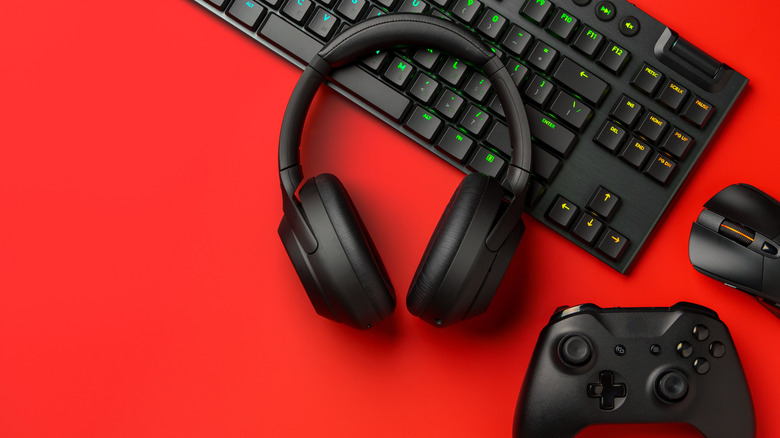
سماعات رأس سوداء، وحدة تحكم في الألعاب ولوحة مفاتيح على خلفية حمراء Fabrikacr/Getty Images

يضيف البلوتوث القياسي حوالي 200 مللي ثانية من تأخير الصوت عند الاستخدام الفعلي، مع أن الرقم الدقيق يختلف حسب الكودك (التشفير)، الجهاز والتنفيذ. يمكن لبعض كودكات البلوتوث ذات التأخير المنخفض تقليل هذا التأخير بشكل كبير، لكن الدعم غير متسق عبر الأجهزة. على أي حال، عادةً ما يتأخر البلوتوث عن الاتصالات اللاسلكية والموصولة بالأسلاك بتردد 2.4 جيجاهرتز في الألعاب.

لوضع ذلك في السياق، فإن متوسط وقت رد الفعل البصري للبشر هو حوالي 220 إلى 280 مللي ثانية، مع أن الاستجابات السمعية تكون عادةً أسرع (بين 170 و220 مللي ثانية). سيكون طيارو المقاتلات ولاعبو الألعاب الإلكترونية أكثر سرعة بكثير، لكن هذا هو ما يمكن للأشخاص العاديين توقعه. حتى في الطرف الأدنى من نطاق تأخير البلوتوث، يمكن أن يضاعف هذا التأخير فعلياً الوقت الذي يستغرقه الرد على إشارة صوتية. وهذا يعني أن أصوات الرصاص والأقدام وغيرها من الأصوات الحاسمة تصل متأخرة بما يكفي لإرباك رد فعلك تماماً. إذا كنت قد لعبت لعبة إيقاعية على هاتفك باستخدام سماعات البلوتوث، فستعرف كيف يمكن أن يؤثر هذا التأخير على تدفق اللعبة.

هناك عيب آخر رئيسي في ألعاب البلوتوث وهو انخفاض جودة الصوت أثناء الدردشة الصوتية. يؤدي تشغيل الميكروفون إلى إجبار البلوتوث على الانتقال إلى ملف شخصي منخفض النطاق الترددي، مما يقلل بشدة من جودة صوت اللعبة. في أجهزة الكونسول مثل PS5، لا يتم دعم صوت البلوتوث الأصلي على الإطلاق، مما يتطلب منك أن تكون مبدعاً في إيجاد حلول بديلة.

كيف يحسن الواي فاي 2.4 جيجاهرتز من البلوتوث

إذا كنت مصرًا على التخلص من الكابلات، فإن سماعة رأس الألعاب اللاسلكية بتردد 2.4 جيجاهرتز هي الخيار الأفضل. تعمل هذه السماعات بشكل مختلف عن البلوتوث، حيث تستخدم محول USB لإنشاء اتصال لاسلكي مخصص يكون عادة أقل تأخيرًا وأكثر استقرارًا من البلوتوث للألعاب. النتيجة هي تأخير أقل من 20 مللي ثانية لمعظم الطرازات ذات جودة الألعاب، وهو ما يكفي لكي لا يتمكن الغالبية العظمى من اللاعبين من التمييز بينها وبين الكابلات. كما أنها توفر نطاق ترددي أكبر من البلوتوث، مما يسمح بنقل صوت عالي الجودة اعتمادًا على تصميم السماعة.

تقدم العديد من أفضل سماعات رأس الألعاب اللاسلكية 2.4 جيجاهرتز كاتصال أساسي، مع تضمين البلوتوث كخيار ثانوي لاستخدام الهاتف والاستماع اليومي. المشكلة هي أن سماعات الرأس التي توفر هذا الخيار تكون أكثر تكلفة بكثير من البديل السلكي الأساسي. وفي بعض الحالات، ستحتاج إلى اختيار الطراز المناسب لمنصتك أو لن تعمل على الإطلاق.

سماعات الرأس السلكية موثوقة، ولكنها غير مريحة
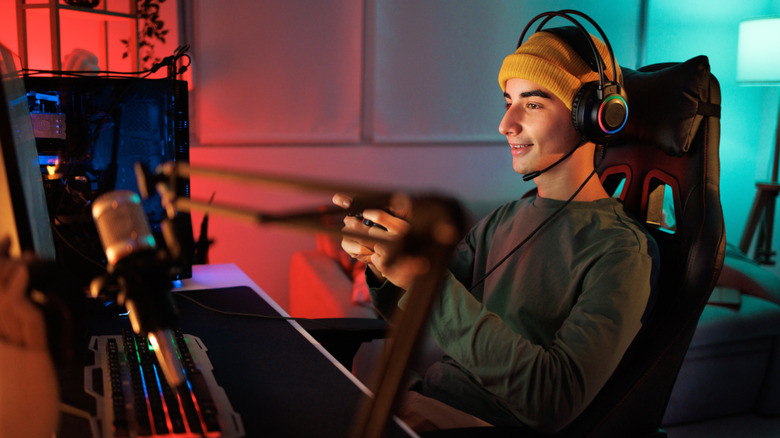
شاب يرتدي سماعة رأس سلكية ويلعب لعبة

سواء كنت حريصًا على الالتزام بالميزانية أو حساسًا للغاية لتأخر الصوت، فإن سماعات الرأس السلكية لا تزال واحدة من أفضل الخيارات. بما أنك تجلس أمام مكتبك في كل الأحوال، فإن كونك متصلاً بجهاز الكمبيوتر الخاص بك ليس مشكلة طالما تتذكر إزالة سماعة رأسك قبل الوقوف. سواء اخترت الاتصال بـ 3.5 ملم أو يو إس بي، فإن سماعات الرأس السلكية شراء ذكي مع تأخير لا يُذكر، ولا تحتاج إلى شحن البطارية ولا خطر فقدان الاتصال اللاسلكي. إنها قابلة للتشغيل الفوري، باستثناء مجموعات الصوت التي قد يقدمها المصنّع.

تميل سماعات الرأس السلكية أيضًا إلى تقديم جودة صوت أفضل من بدائلها اللاسلكية في نفس الفئة السعرية. ليس فقط يمكنك الاكتفاء بدفع أقل مما تدفعه مقابل سماعة بلوتوث أو سماعة رأس 2.4 جيجاهرتز، ولكنك ستحصل أيضًا على صوت متسق وموثوق به في كل جلسة. لا عجب أن العديد من خياراتنا لأفضل سماعات الرأس للألعاب هي نماذج سلكية.

توافق الصوت السلكي أيضًا مع أجهزة التحكم الحديثة في وحدة التحكم. يحتوي جهاز DualSense في بلاي ستيشن 5 على منفذ 3.5 ملم مدمج في الأسفل، تمامًا مثل جميع لوحات تحكم إكس بوكس القياسية وجهاز تحكم Switch 2 Pro. نظرًا لأنها لاسلكية، هناك بعض التأخير في إرسال الصوت إلى جهاز التحكم، ولكن هذا عادة ما يكون غير ملحوظ. يمكنك تقليله أكثر عن طريق توصيل جهاز التحكم بوحدة التحكم أثناء اللعب.

المفتاح عند التسوق لسماعة رأس للألعاب هو التركيز على انخفاض التأخير وجودة الصوت الموثوق بها. إذا كانت الأداء هي الأهم بالنسبة لك، فإن السلكي هو الخيار الأكثر أمانًا. إذا كنت ترغب في التخلص من الكابلات، فإن 2.4 جيجاهرتز هو الخيار الأفضل، مع تضمين البلوتوث كميزة ثانوية للاستخدام اليومي. يجب أن تعامل البلوتوث على أنها مكافأة، وليس الميزة الرئيسية - فهي رائعة للموسيقى والمكالمات، ولكنها ليست ما تريد للألعاب التنافسية.

gamingBluetoothheadset
الخبر متوفّر باللغات التالية:English
المصدر الأصلي للخبر
إنجاجيت

You might want to skip using a Bluetooth headset for a better gaming experience

August 22, 2026·Engadget
You might want to skip using a Bluetooth headset for a better gaming experience

Bluetooth is convenient, but it has too many drawbacks to be the best choice for gaming.

By Gabriela Vătu Aug. 22, 2026 12:30 pm EST PeopleImages/Shutterstock

Bluetooth headsets are a natural fit for calls, music and podcasts since they're easy to pair, compatible with almost anything and free of cable clutter. But for gaming, that convenience has a trade-off. Bluetooth audio introduces latency that you won't notice until it starts costing you: missed timing windows, audio that falls a beat behind the action and split-second cues that are too late to act on. The gap between what's happening on-screen and what you're hearing is small enough to ignore in casual use, but significant enough to affect you when milliseconds count.

Not all headsets are equal. The three main connection types (Bluetooth, 2.4GHz wireless and wired) each handle latency, audio quality and stability in distinct ways. For fast-paced or competitive gaming, Bluetooth is generally the weakest of the three. It works well enough for casual play, but its latency limitations are hard to ignore when precision matters. For gamers who want reliable, low-latency audio, 2.4GHz wireless and wired headsets are the stronger option.

The Bluetooth latency problem

Black headphones, gaming controller and keyboard on red background Fabrikacr/Getty Images

Standard Bluetooth adds roughly 200ms of audio latency in real-world use, though the exact figure varies by codec, device and implementation. Some low-latency Bluetooth codecs can reduce this delay substantially, but support is inconsistent across devices. Either way, Bluetooth generally lags behind 2.4GHz wireless and wired connections for gaming.

To put that in perspective, the average human visual reaction time is around 220 to 280ms, with auditory responses usually being faster (between 170 and 220ms). Fighter pilots and esports players will be much faster, but that's what average folk can expect. Even at the low end of Bluetooth's latency range, that delay can effectively double the time it takes you to respond to an audio cue. That means gunshots, footsteps and other critical sounds arrive late enough to throw you off your reaction entirely. If you've ever played a rhythm game on your phone using Bluetooth headphones, you'll know how that latency can affect your flow.

Another major downside to Bluetooth gaming is audio degradation during voice chat. Activating the microphone forces Bluetooth to switch to a low-bandwidth profile, severely reducing game sound quality. On consoles like the PS5, native Bluetooth audio isn't supported at all, requiring you to get creative with workarounds.

How 2.4GHz wireless improves on Bluetooth

A 2.4GHz wireless gaming headset is a better option if you're adamant about going wire-free. These work differently from Bluetooth, using a USB dongle to create a dedicated wireless link that's typically lower-latency and more stable than Bluetooth for gaming. The result is latency under 20ms for most gaming-grade models, which is fast enough that the vast majority of players cannot distinguish it from wired. They also have more bandwidth available than Bluetooth, which can allow for higher-quality audio transmission depending on the headset's design.

Many of the best wireless gaming headsets offer 2.4GHz as their primary connection, with Bluetooth included as a secondary option for phone use and everyday listening. The catch is that headsets with this option are considerably more expensive than a basic wired alternative. And in some cases, you'll need to pick the right model for your console or it won't work at all.

Wired headphones are reliable, with inconveniences

Young man wearing a wired headset playing a game Mixetto/Getty Images

Whether you're budget-conscious or extremely sensitive to audio latency, wired headsets are still one of the best options. Since you're at your desk anyway, being tethered to your computer isn't an issue as long as you remember to remove your headphones before getting up. Whether you go for a 3.5mm or USB connection, wired headsets are a smart purchase with negligible latency, no battery to charge and no risk of wireless dropouts. They're plug-and-play, aside from audio suites that the manufacturer may offer.

Wired headphones also tend to deliver better sound quality than wireless alternatives at the same price point. Not only can you get away with paying less than you would on a Bluetooth or 2.4GHz headset, but you'll also get consistent and reliable audio every session. Unsurprisingly, many of our picks for the best gaming headsets are wired models.

Wired audio is also compatible with modern console controllers. The PlayStation 5's DualSense has a built-in 3.5mm jack on the bottom, as do all standard Xbox pads and the Switch 2 Pro Controller. Because they're wireless, there is some latency in sending the audio to the controller, but this is usually negligible. You can reduce it further by connecting the controller to your console while playing.

The key when shopping for a gaming headset is to focus on low latency and reliable audio quality. If performance matters most to you, wired is the safest option. If you want to go cable-free, 2.4GHz is the better choice, ideally with Bluetooth included as a secondary feature for everyday use. You should treat Bluetooth as a bonus, not the main feature — while great for music and calls, it's not what you want for competitive gaming.

gamingBluetoothheadset
This article is also available in:العربية
Original source article
Engadget