كابلات USB4: متى يستحق الأمر دفع المزيد من المال؟
6 يوليو 2026·إنجاجيت
كابلات USB4: متى يستحق الأمر دفع المزيد من المال؟

ليست مخصصة للشحن السريع فقط

بقلم عدنان أحمد 6 يوليو، 2026 9:30 ص EST عدنان أحمد لموقع Engadget

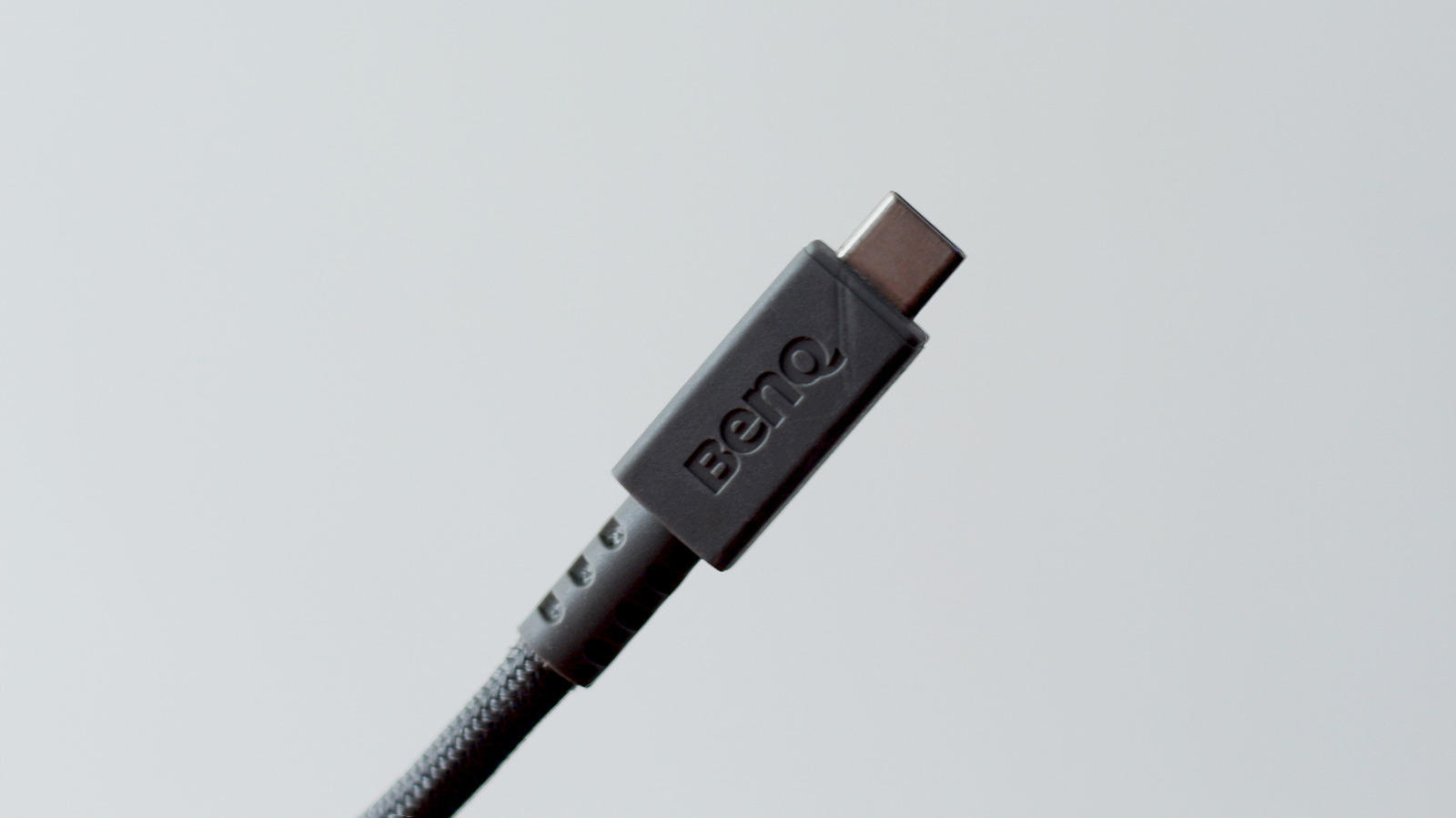
إن القدرة على استخدام نفس الكابل لشحن الهاتف المحمول أو الحاسوب المحمول أو السماعات أو المطرقة اللاسلكية ميزة أصبحنا نتمتع بها الآن بفضل منفذ USB-C. بالطبع، قد استغرق الأمر من آيفون وقتاً طويلاً مخجلاً للتخلي عن منفذ Lightning الخاص بها، لكننا جميعاً عائلة سعيدة كبيرة الآن، أليس كذلك؟ حسنًا، ليس تمامًا. إذا كنت قد جربت التسوق لشراء كابل USB-C، فمن المحتمل أنك صادفت العديد من المعايير المختلفة، حيث يعلن كل منها عن قدرات مختلفة. يعد USB4 أحدث هذه المعايير، وهو ليس رخيص الثمن.

إذا افترضنا أنك تشتري من علامة تجارية معروفة، فإن كابل USB4 عالي الجودة سيكلف عادةً ما بين 20 و60 دولارًا، اعتمادًا على طوله وسرعته في الشحن. هذا أكثر بكثير من أسلاك USB-C التي تباع في متاجر الدولار والتي تدعي أيضًا شحن أجهزتك. إذن لماذا تدفع هذه الرسوم الإضافية عندما يمكنك الحصول على حزمة متعددة بثمن أقل بكثير وتلبية احتياجات المزيد من الأجهزة الخاصة بك من حيث الشحن ونقل البيانات؟

إنه لأن كابلات يو إس بي 4 مصممة لاستيعاب أكثر من مجرد الشحن السريع أو نقل الملفات. فهي قادرة على التعامل مع نطاق ترددي أكبر بكثير - حتى 80 جيجابت في الثانية متماثلة أو 120/40 جيجابت في الثانية غير متماثلة مع مواصفات يو إس بي 4 الإصدار 2 الأحدث. يمكن لكابل يو إس بي 4 واحد تشغيل إعداد كامل يتكون من شاشات خارجية، وأقراص صلبة عالية السرعة، ومحطات ربط، وغيرها من الأجهزة الطرفية مع تزويد جهاز الكمبيوتر المحمول بكل الطاقة التي يحتاجها.

ثاندربولت 4 و5 هما نظيرتا إنتل ليو إس بي 4 اللتان تشتركان في نفس نوع المنفذ. هذه المعايير قابلة للتبديل عادةً، ولكن التمسك بالمعيار الذي يدعمه جهازك رسميًا هو أفضل طريقة لضمان حصولك على كل الأداء الذي تدفع ثمنه.

تسوق لشراء الكابل الصحيح من نوع USB-C
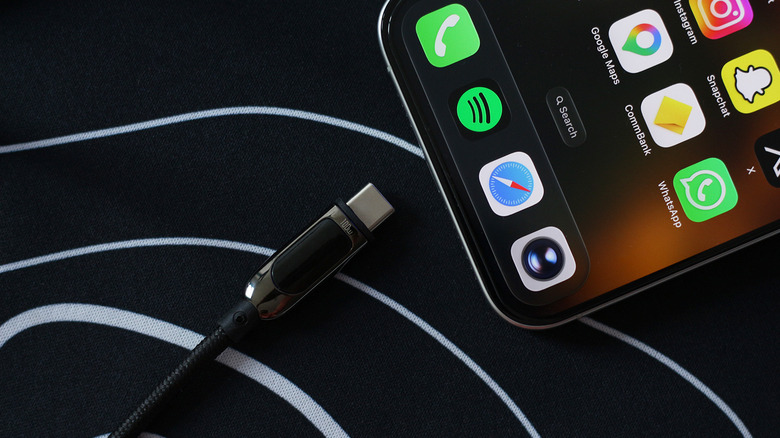
كابل USB-C بجانب هاتف iPhoneبقلم عدنان أحمد لموقع Engadget

بالنسبة لشئ يحمل كلمة "عالمي" في اسمه، فإن كابلات USB-C صعبة التسوق بشكل مدهش. ما لا يعلمه الكثير من الناس هو أن USB-C تشير ببساطة إلى شكل المحول ولا تخبرك بأي شيء تقريبًا عن قدراته. كونها قابلة للقلب والضغط هي فوائد في حد ذاتها، لكن هذا يعني أن كابل USB-C يمكن أن يدعم أي شيء بدءًا من معيار USB 2.0 الأبطأ، والذي يصل إلى 480 ميجابت في الثانية، وحتى مواصفات USB4 الأخيرة. فهاتفي iPhone 15 Pro Max على سبيل المثال، يفتخر بمنفذ USB-C بسرعة 10 جيجابت في الثانية، لكن الكابل الذي أرسلته شركة آبل في العلبة مقتصر على سرعات USB 2.0. لو لم أكن بهذا القدر من الجنون، لافترضت أن سرعات النقل البطيئة كانت تقييدًا للهاتف نفسه.

تتمثل إحدى الجوانب الإيجابية لأسلاك يو إس بي 4 في أنك عادةً لن تضطر للتفكير في أي من ذلك. ما دامت أجهزتك متوافقة مع مواصفات يو إس بي 4، ستتمكن من الاستفادة من أسرع سرعات نقل البيانات والشحن التي تدعمها. بطبيعة الحال، بما أن يو إس بي 4 متوافق عكسيًا، يمكنك دائمًا استخدام نفس الكابل لشحن الأجهزة القديمة التي تحتوي على منفذ يو إس بي سي.

مع ذلك، لا يجدر بك شراء كابل يو إس بي 4 باهظ الثمن إذا لم يكن لديك جهاز يستطيع جني فوائده بالكامل. يمكنك الحصول على كابلات توصيل الطاقة المخصصة (التي تتوفر أيضًا بمعايير يو إس بي 2.0 أو يو إس بي 3.0) بأسعار أقل إذا كنت تبحث فقط عن أسرع طريقة لشحن هاتفك أو جهاز الكمبيوتر المحمول عبر منفذ يو إس بي سي.

USB4cablestechnology
الخبر متوفّر باللغات التالية:English
المصدر الأصلي للخبر
إنجاجيت

USB4 cables: When and why it's worth paying more

July 06, 2026·Engadget
USB4 cables: When and why it's worth paying more

They're for more than just fast charging.

By Adnan Ahmed July 6, 2026 9:30 am EST Adnan Ahmed for Engadget

Being able to use the same cable to charge your phone, laptop, headphones or a cordless screwdriver is a convenience we now have thanks to USB-C. Sure, it might have taken the iPhone an embarrassingly long time to drop its proprietary Lightning port, but we're all one big happy family now, right? Well, not exactly. If you've ever tried shopping for a USB-C cable, you've likely come across several different standards, each advertising different capabilities. USB4 happens to be one of the latest standards, and it doesn't come cheap.

Assuming you're shopping from a reputable brand, a high-quality USB4 cable will typically cost anywhere between $20 and $60, depending on its length and charging speed. That's a lot more expensive than the dollar-store USB-C cables that also claim to top up your devices. So why pay the premium when you can snag a multi-pack for far less and have more of your devices' charging and data transfer needs covered?

It's because USB4 cables are designed to accommodate more than just fast charging or file transfers. They're capable of handling a lot more bandwidth — up to 80 Gbps symmetric or 120/40 Gbps asymmetric with the newer USB4 Version 2 specification. A single USB4 cable can power an entire setup comprising external monitors, high-speed SSDs, docking stations and other peripherals while supplying your laptop with all the power it needs.

Thunderbolt 4 and 5 are Intel's counterparts to USB4 that share the same connector type. These standards are often interchangeable, but sticking with the one your device officially supports is the best way to ensure you're getting all the performance you're paying for.

Shopping for the right USB-C cable

USB-C cable next to an iPhone Adnan Ahmed for Engadget

For something that has "universal" in its name, USB-C cables are surprisingly tricky to shop for. What many people aren't aware of is that USB-C simply refers to the shape of the connector and it tells next to nothing about its capabilities. Being reversible and compact are benefits in their own right, but this means that a USB-C cable can support anything from the slower USB 2.0 standard, which tops out at 480 Mbps, to the latest USB4 specification. My iPhone 15 Pro Max, for instance, boasts a 10 Gbps USB-C port, but the cable that Apple shipped in the box is limited to USB 2.0 speeds. If I wasn't nerdy enough, I'd have assumed the slow transfer speeds were a limitation of the phone itself.

One redeeming quality of USB4 cables is that you generally won't have to think about any of this. As long as your devices are compliant with the USB4 specification, you will be able to take advantage of the fastest data transfer and charging speeds they support. Of course, since USB4 is backward compatible, you can always use the same cable to charge older devices that have the USB-C connector.

That said, it doesn't make much sense to buy an expensive USB4 cable if you don't have a device that can reap its full benefits. Dedicated power delivery cables (which also come in USB 2.0 or USB 3.0 standards) can be had for cheaper if all you're looking for is the fastest way to charge your phone or laptop over USB-C.

USB4cablestechnology
This article is also available in:العربية
Original source article
Engadget