هل تحتاج حقًا إلى تطبيق مضاد للفيروسات على هاتفك الأندرويد؟
16 أغسطس 2026·إنجاجيت
هل تحتاج حقًا إلى تطبيق مضاد للفيروسات على هاتفك الأندرويد؟

الإجابة المختصرة هي على الأرجح لا، ولكنها تعتمد على كيفية استخدامك للجهاز.

بقلم جاك ويتكومب 16 أغسطس 2026 4:00 مساءً بتوقيت شرق الولايات المتحدة Eza_Nanda/Shutterstock

انتهى عصر برامج مكافحة الفيروسات من الأطراف الثالثة حيث انتهت هيمنة عصر أجهزة الكمبيوتر. كانت أسماء مثل نورتون، ومكافي، وأفاست مألوفة لمستخدمي أجهزة الكمبيوتر في جميع أنحاء العالم، ولكن على عكس أجهزة كمبيوتر ويندوز القديمة، لا نتعجل كمجموعة لتثبيت برامج مكافحة الفيروسات على هواتفنا. السبب بسيط: الهواتف الذكية الحديثة التي تعمل بنظام أندرويد لا تحتاج إليها حقًا.

هذا لا يعني أن جهازك محصن ضد البرامج الضارة، ولكن حمايته ليست متروكة لك تمامًا هذه الأيام. تأتي جميع أنظمة التشغيل الحديثة، بما في ذلك تلك الموجودة على الهواتف المحمولة مثل أندرويد، بمستوى معين من الأمان خارج الصندوق. قد يكون هذا الأمن جيدًا بما فيه الكفاية، ولكنه سيعتمد على نوع المستخدم الذي أنت عليه، حيث أن هناك بعض المواقف التي قد يجعل فيها الحماية الإضافية لهاتفك الذكي أندرويد منطقية.

أندرويد الحديث يحمي جهازك تلقائيًا من التهديدات
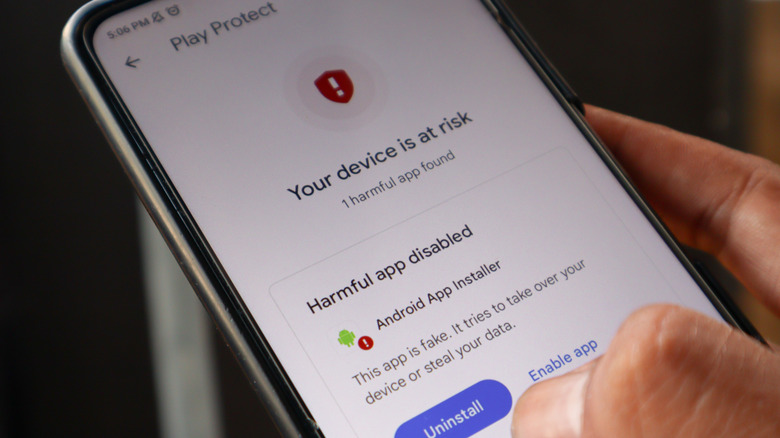
قائمة حماية جوجل بلاي على هاتف ذكي أندرويد، تحذر من تطبيق ضار مثبت. Eza_Nanda/Shutterstock

أندرويد ليس محصنًا ضد الإصابة. يمكن أن يعاني من الفيروسات والبرامج الضارة واختراقات الأمان، مثلها مثل جميع البرمجيات. كما يواجه هجمات (معظمها) خاصة بالهواتف المحمولة، مثل الإشعارات الدفعية الخبيثة، التي وجد تقرير تهديدات الجيل لعام 2025 أنها تضاعفت ثلاث مرات في غضون ثلاثة أشهر فقط. وتستمر برامج التجسس أيضًا في كونها مشكلة متطفلة ومتنامية على الأجهزة المحمولة، وفقًا لهذا التقرير اللاحق لتهديدات الجيل.

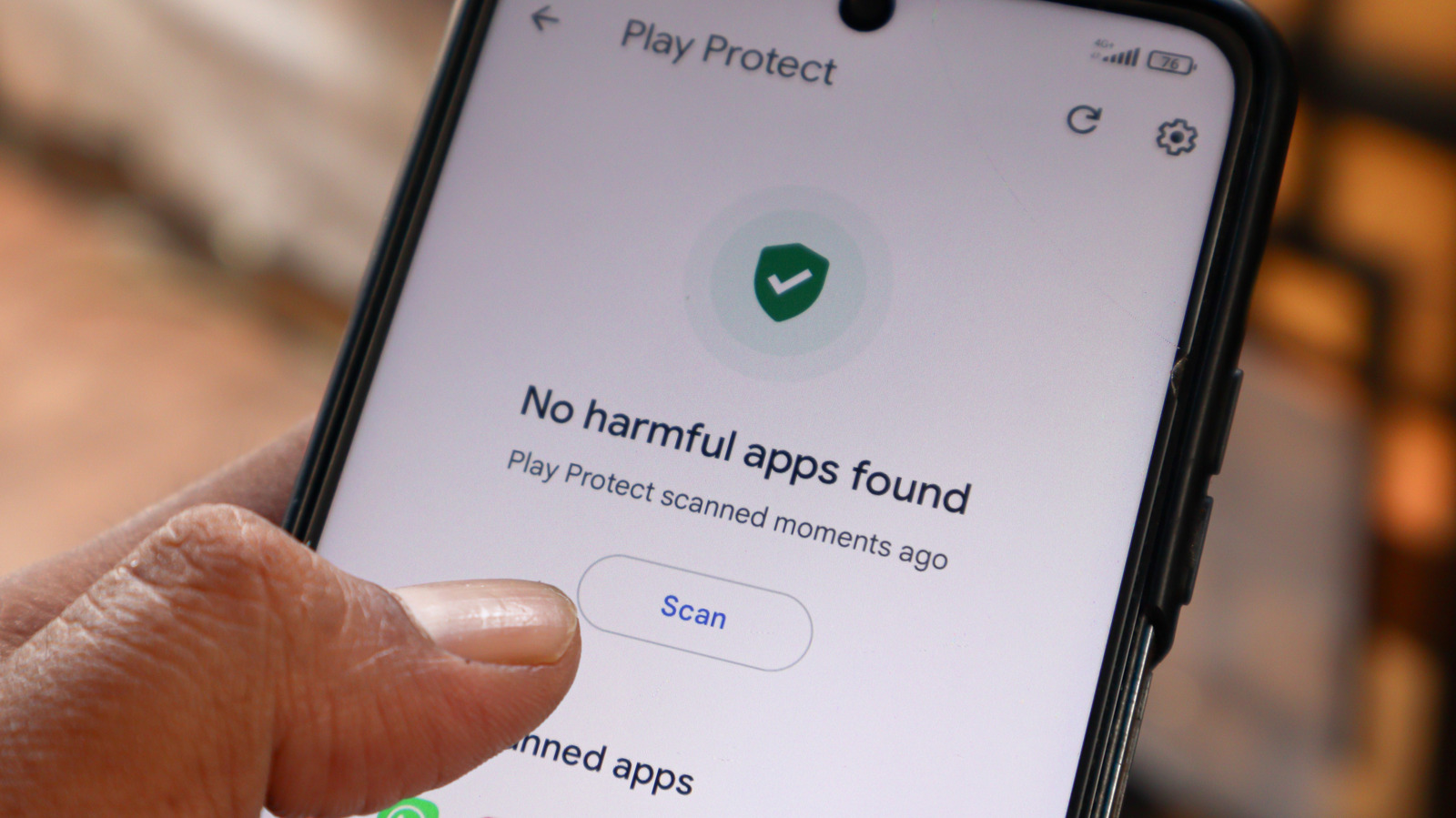
لحسن حظ المستخدم العادي، يمتلك أندرويد ميزات وإعدادات مصممة لمحاولة حماية هاتفك تلقائيًا من هذه التهديدات. يعد Google Play Protect أحد أكبرها، حيث يعمل كخط دفاع أول لإبعاد التطبيقات الضارة عن هاتفك. تقول جوجل أنها قد حظرت 27 مليون تطبيق ضار جديد من متجر بلاي في عام 2025 وحده. يقوم بمسح تطبيقاتك بانتظام، سواء عند تثبيتها أو بعدها، بحثًا عن التهديدات. إذا تم اكتشافها، فقد يقوم بتعطيل التطبيق، أو إزالته تلقائيًا، اعتمادًا على مستوى الخطر.

يستخدم أندرويد أيضًا عزلًا مدمجًا (ساندبوكس) لعزل كل تطبيق. يمنح كل تطبيق معرف مستخدم آمن، وتشغيلها بطريقة تمنعها من التفاعل مع أي من التطبيقات الأخرى على هاتفك. في الوقت نفسه، تتلقى الهواتف الذكية الحديثة من أندرويد تحديثات أمان منتظمة لإصلاح نقاط الضعف، بينما تم تصميم نظام الأذونات ليكون استباقيًا وخياريًا بحيث يتم حماية ملفاتك وجهات الاتصال والبيئة المحيطة بك. يساعد Google Play Protect أيضًا في ذلك، من خلال تنبيهك إلى التطبيقات التي تطلب الوصول إلى بيانات حساسة، بالإضافة إلى إعادة تعيين أذونات التطبيقات التي لم تستخدمها لفترة طويلة تلقائيًا.

كما تستمر حماية أندرويد في التطور، وتلعب الذكاء الاصطناعي دورها. إنها تتطلع إلى تقديم حماية من انتحال شخصية المتصلين لتعطيل المحتالين الذين ينتحلون شخصيات المكالمات عالية المخاطر، مثل تلك التي تأتي من البنك على سبيل المثال. كما أنها توسع وظيفة اكتشاف التهديدات الحية الخاصة بها للكشف عن الإجراءات المشبوهة التي تقوم بها التطبيقات، مثل إعادة توجيه الرسائل القصيرة (SMS)، والتي ترسل الرسائل إلى رقم آخر. كما غيرت جوجل سياستها المتعلقة بتثبيت تطبيقات أندرويد من مصادر خارجية، ولن تسمح قريبًا إلا بالتطبيقات التي تتجاوز حماية متجر بلاي للتثبيت من قبل "المستخدمين ذوي الخبرة"، مع فترة تبريد أولية مدتها 24 ساعة وفحوصات إلزامية لهوية المطور.

أكبر المخاطر المحمولة هي تلك التي لا يمكن لبرنامج مكافحة الفيروسات أن يحميك منها
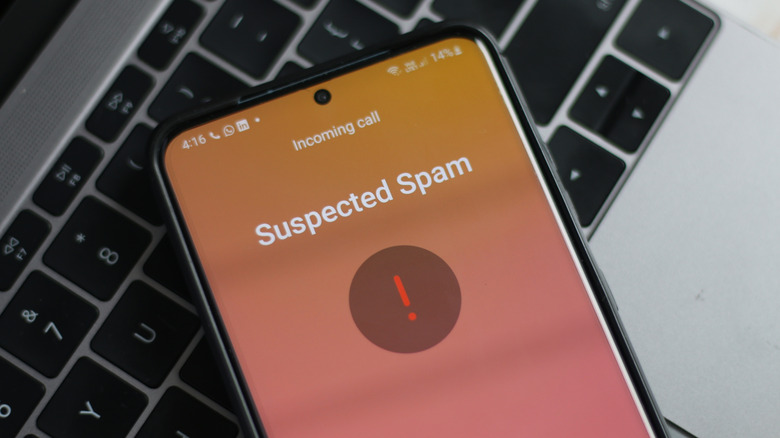
هاتف أندرويد يشتبه في مكالمة. Peace-loving/Shutterstock

لم ننتقل إلى عالم خالٍ من الفيروسات، بل إلى عالم يحتوي على عدد من متجهات الهجوم الأخرى التي تشكل خطرًا كبيرًا على أمنك. بعض المخاطر الشائعة لهواتف الأندرويد ليست فيروسًا ستقوم بتثبيته، ولكنها تهديدات مصممة لدفعك إلى الكشف عن بياناتك بنفسك.

يعد الهندسة الاجتماعية في المقدمة والمركز الرئيسي للخطر. تعد الرسائل النصية الهاتفية والمكالمات الهاتفية المزيفة من أكبر الفائزين للمحتالين، وفي حين أن أندرويد يضيف حماية التهديدات الحية المدعومة بالذكاء الاصطناعي لمحاولة إيقافها، إلا أنها غير متاحة حتى الآن. لقد رأينا جميعًا رسائل نصية مزيفة تحتوي على روابط التصيد الاحتيالي المصممة لحثك على الكشف عن تفاصيلك، سواء كانت كلمات مرور أو معلومات شخصية يمكن استخدامها لاحقًا. يعد الدعم الفني المزيف، وطفل أو قريب في ورطة، وخدع الحب المالية كلها تهديدات نفسية لن يتمكن أي برنامج مضاد للفيروسات من مساعدتك بشأنها.

أنت أيضًا معرض للخطر عندما تكون خارج المنزل، ومتواصل. قد يعرض توصيل جهازك بشبكة واي فاي مفتوحة للخطر، خاصة إذا لم تكن تستخدم شبكة افتراضية خاصة (VPN). يمكن أن تقوم هجمات مراقبة اتصالك على نفس الشبكة باختراق أي بيانات غير مشفرة أو اختطاف جلسات الويب الخاصة بك لدفعك إلى مواقع ويب مزيفة لسرقة بياناتك.

تعد الإشعارات الدفعية الخبيثة أيضًا انتصارًا للمحتالين. من خلال النقر عن طريق الخطأ على "السماح" في أحد هذه المواقع المزيفة، قد تمنحه إذنًا لإرسال رسائل مزعجة إليك تبدو مثل تنبيهات التحذير الحقيقية. يحذرك البعض حتى من أنك مصاب بفيروس، مما يثير السخرية.

حينما يكون برنامج مكافحة الفيروسات من طرف ثالث على الأندرويد منطقيًا في بعض الأحيان
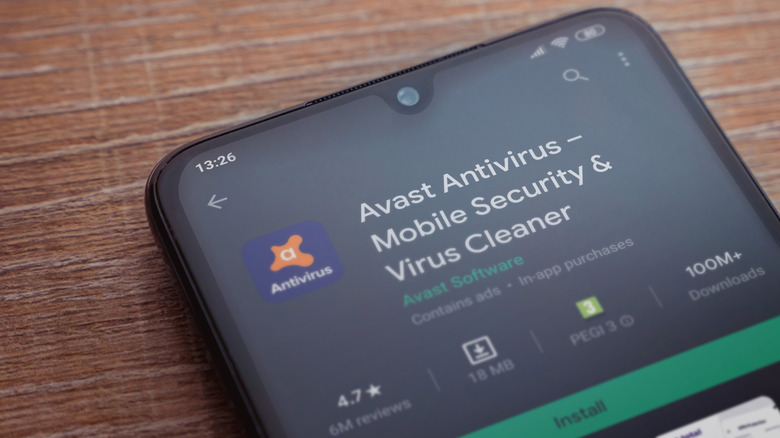
تطبيق مكافحة الفيروسات Avast، متاح داخل متجر جوجل بلاي للتثبيت. Maor_Winetrob/Shutterstock

المخاطر ليست ثنائية. ستختلف المخاطر التي ستواجهها عند استخدام هاتفك الأندرويد من يوم لآخر، ومن شخص لآخر. تتمثل أكثر مسارات الهجوم وضوحًا في المجالات التي تعرضك لأكبر قدر من الخطر. على سبيل المثال، شبكات الواي فاي العامة خطيرة على أي جهاز، خاصة في الأماكن الكبيرة مثل المطارات أو صالات الفنادق، وحتى إدارة أمن النقل تحذر من مخاطر الواي فاي المفتوح. بينما لا يزال من المحتمل أن يكون استخدام شبكة افتراضية خاصة تشفر اتصالك شكلًا أفضل من الدفاع، يمكن أن يساعدك برنامج مكافحة الفيروسات على الأندرويد في أعقاب ذلك عن طريق التحقق المزدوج من ملفاتك بحثًا عن أي برامج ضارة قمت بتنزيلها منذ ذلك الحين.

إذا كنت من الأشخاص الذين يحبون تثبيت تطبيقات أندرويد بشكل جانبي، قد يكون من المنطقي أيضًا استخدام تطبيق مضاد للفيروسات على نظام أندرويد. سيستمر Google Play Protect في فحص التطبيقات، حتى تلك التي ليست من متجر بلاي، لكن هذا لن يعمل إذا قمت بتعطيله، أو إذا كنت تستخدم جهازًا يفتقر إلى خدمات Google Play تمامًا. سيأتي حماية Google المعززة ضد تثبيت التطبيقات بشكل جانبي، ولكن فقط للأجهزة المعتمدة من أندرويد.

إذا كانت هناك علامات واضحة على إصابة هاتفك الأندرويد بفيروس وترغب في الحصول على إجابة قاطعة. قد تشمل هذه العلامات الإشعارات المنبثقة، والأداء البطيء، وطلب أذونات غير عادية أو حتى استنزاف البطارية بشكل غير معتاد، على سبيل المثال لا الحصر. كل هذه الأمور ليست بالضرورة بسبب الإصابة، ولكن يجب التحقيق فيها على أي حال.

تشغيل هاتف أندرويد قديم، لا يتلقى تحديثات نظام التشغيل أو الأمن، يعرضك لمخاطر أكبر أيضًا. لا يمكن لتطبيق مكافحة الفيروسات على أندرويد أن يحل محل هذه التحديثات تمامًا، ولكنه قد يحميك من السيناريوهات التي يتم فيها استغلال ثغرة عالية الخطورة في البرية.

هل تطبيق مكافحة الفيروسات على الأندرويد ضروري حقًا؟
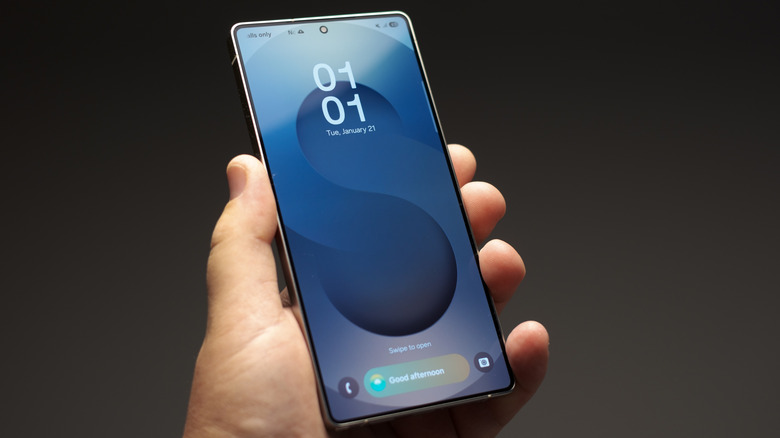
هاتف سامسونج جالاكسي، مع شاشة القفل مرئية، وهو محمول في الهواء. كارليس دامبرانس/شاترستوك

تطبيقات مكافحة الفيروسات لهواتف الأندرويد الذكية ليست ضرورية حقًا لمعظم المستخدمين. سيحميك متجر جوجل بلاي بروتكت من التطبيقات الخبيثة، بينما يمكن لمساعدتك شبكة VPN في الحفاظ على أمانك أثناء تصفح الإنترنت. لا يُسمح لتطبيقات الأندرويد بالتفاعل مع بعضها البعض أثناء تشغيلها، كما أن الإذن يكون اختياريًا بشكل أساسي، لذا يمكنك التحكم فيما يمكنهم رؤيته أو عدمه على هاتفك.

قد يكون الأمر مختلفًا إذا كنت مستخدمًا عالي الخطورة بشكل خاص. الوصول إلى المواقع الإلكترونية الخطرة أو تثبيت التطبيقات من مصادر خارجية، خاصة مع تعطيل وظيفة حماية متجر بلاي من جوجل، سيجعلك هدفًا أكبر للبرامج الضارة. قد يكون برنامج مكافحة الفيروسات في هذه الحالة منطقيًا كوسيلة إضافية لطمأنة النفس، طالما أنه من مطور موثوق به في متجر بلاي. لا تزال الأسماء الكبيرة مثل نورتون متوفرة للمساعدة أيضًا، وغالبًا ما تأتي مع مجموعة كاملة من الحماية، بما في ذلك اتصال VPN، وحظر الإعلانات الضارة، وتصفية الرسائل النصية القصيرة.

مع ذلك، لا يزال التعليم واحدًا من أفضل أشكال الدفاع في كل هذه المواقف. إذا تمكنت من تجنب السيناريوهات التي تعرضك لمخاطر أكبر، فستحصل على أمان أفضل على المدى الطويل. قد يعني ذلك فحص المكالمات المجهولة، أو توخي المزيد من الحذر عند رؤية رسالة غير عادية من شخص عزيز عليك لا تبدو صحيحة.

لا يوجد خطأ في عدم تثبيت برنامج مكافحة الفيروسات على جهاز أندرويد. سيعترض البعض بأنك لا تحتاجها على الإطلاق. الإجابة الحقيقية ليست واضحة، وستعتمد عليك. لحسن الحظ، تضمن تدابير الأمان المدمجة من جوجل حصول معظم مستخدمي أندرويد على الحماية دون حتى أن يدركوا ذلك، وستستمر هذه التدابير في التطور والتكيف مع التهديدات الجديدة والأكثر خطورة.

antivirusAndroidsecurity
الخبر متوفّر باللغات التالية:English
المصدر الأصلي للخبر
إنجاجيت

Do you really need an antivirus app on your Android?

August 16, 2026·Engadget
Do you really need an antivirus app on your Android?

The short answer is probably not, but it depends on how you use your device.

By Jack Whitcombe Aug. 16, 2026 4:00 pm EST Eza_Nanda/Shutterstock

The heyday of third-party antivirus software has been and gone as the dominance of the PC era has ended. Names like Norton, McAfee and Avast were once familiar to PC users across the world, but unlike those Windows PCs of old, we aren't rushing en masse to install antivirus software on our phones. The reason is simple: modern Android smartphones don't really need it.

That's not to say that your device is impenetrable to malware, but protecting it isn't left entirely up to you these days. All modern operating systems, including those on mobile like Android, ship with some level of security out-of-the-box. That security might just be good enough, but it'll depend on the type of user you are, as there are some situations where extra protection for your Android smartphone might make sense.

Modern Android protects your device from threats automatically

The Google Play Protect menu on an Android smartphone, warning of an installed harmful app. Eza_Nanda/Shutterstock

Android isn't immune to infection. It can suffer from viruses and malware and security breaches, just like all software. It also faces attacks that are (mostly) unique to mobile, like malicious push notifications, which a 2025 Gen threat report found had tripled in the space of just three months. Spyware, too, continues to be an invasive and growing problem on mobile devices, according to this later Gen Threat report.

Luckily for the average user, Android has features and settings that are designed to try and automatically protect your phone from these threats. Google Play Protect is one of the biggest, acting as the first line of defense to keep harmful apps away from your phone. Google says it blocked 27 million new malicious apps from the Play Store in 2025 alone. It regularly scans your apps, both at the point of installation and afterwards, for threats. If they're detected, it may disable the app, or remote it automatically, depending on the level of risk.

Android also uses built-in sandboxing to isolate each app. It gives each app a secure user ID, running them in a way that prevents them from interacting with any of the other apps on your phone. Meanwhile, modern Android smartphones receive regular security updates to patch vulnerabilities, while the permissions system is designed to be proactive and opt-in so that your files, contacts and surroundings are protected. Google Play Protect helps with this, too, by alerting you to apps requesting access to sensitive data, as well as automatically resetting permissions for apps that you haven't used for a while.

Android's protection continues to evolve, too, and AI is playing its part. It's looking to introduce phone call spoofing protection to block scammers impersonating high risk calls, like those from a bank, for instance. It's also expanding its live threat detection functionality to detect suspicious actions made by apps, like SMS forwarding, which forwards messages to another number. Google has also changed its policy for Android app sideloading, and will soon only allow apps that bypass the protection of the Play Store to be installed only by "experienced users," with an initial 24-hour cooldown and mandatory ID checks for developers.

The biggest mobile risks are ones that an antivirus can't protect you from

A suspected call being screened by an Android smartphone. Peace-loving/Shutterstock

We've not moved to a virus-free world, but to a world with a number of other attack vectors that pose just as great a risk to your security. Some of the more common dangers to Android aren't a virus you'll install, but are threats designed to manipulate you into exposing your data yourself.

Social engineering is front and center of the danger. Fake text messages and phone calls are big winners for scammers, and while Android is adding AI-powered live threat protection to try and stop it, it isn't available yet. We've all seen fake texts with phishing links that are designed to encourage you to expose your details, whether it's passwords or personal information it can use later. Fake tech support, a child or relative in trouble and financial romance scams are all psychological threats that no antivirus is going to be able to help you with.

You're also at risk when you're out, about and connected. Connecting to an open Wi-Fi network could put your device in danger, especially if you're not using a VPN. Attacks monitoring your connection on the same network could intercept any unencrypted data or hijack your web sessions to push you to fake websites to steal your data.

Malicious push notifications, too, are a win for scammers. By accidentally clicking "allow" on one of these fake websites, you might give it permission to spam you with messages that look like real warning alerts. Some even warn you that you've been infected with a virus, ironically enough.

Where a third-party Android antivirus might occasionally make sense

The Avast antivirus app, listed inside the Google Play Store for installation. Maor_Winetrob/Shutterstock

Risk isn't binary. The risk you'll face when you're using your Android smartphone will vary from day to day, from person to person. The most obvious attack vectors are the areas that place you at most risk. Public Wi-Fi networks, for instance, are dangerous for any device, especially in big locations like airports or hotel lounges, with even the TSA warning of the dangers of open Wi-Fi. While a VPN that encrypts your connection is still likely to be a better form of defense, Android antivirus software could help you in the aftermath by double-checking your files for any malware you've downloaded since.

If you're somebody who likes to sideload Android apps, an Android antivirus app might make sense, too. Google Play Protect will still scan apps, even those that aren't from the Play Store, but this won't work if you've switched it off, or if you're using a device that lacks Google Play services entirely. Google's enhanced protection against app sideloading is coming, but only for certified Android devices.

It's a good idea, too, if there are obvious signs that your Android phone has been infected with a virus and you want a definitive answer. Signs could include pop-ups, slow performance, unusual permissions requests or even unusual battery drain, to name but a few. All of those things aren't necessarily due to an infection, but should be investigated nevertheless.

Running an older Android smartphone, one that doesn't receive OS or security updates, puts you at greater risk, too. An Android AV can't fully replace those updates, but it could protect you from scenarios where a high-risk vulnerability is being exploited in the wild.

Is an Android antivirus really necessary?

A Samsung Galaxy smartphone, being held up, with the lock screen visible. Karlis Dambrans/Shutterstock

Antivirus apps for your Android smartphone aren't really necessarily for most users. Google's Play Store Protect will shield you from rogue apps, while a VPN can help you stay secure while you're online. By design, Android apps aren't allowed to interact with each other while they're running, and permissions are mostly opt-in, so you can control what they can and can't see on your phone.

Where it might make a difference is if you're a particularly high-risk user. Accessing risky websites or sideloading apps, especially with Google's Play Store Protect functionality disabled, is going to make you a much bigger target for malware. An antivirus in this situation could make sense as additional peace of mind, as long as it's from a reputable developer in the Play Store. Big names like Norton are still around to help with this, too, and often come with a full suite of protection, including VPN connectivity, malicious ad blocking, and SMS filtering.

Education is still one of the best forms of defense in each of these situations, however. If you can avoid the scenarios that put you in greater risk, you're going to see better security in the long run. That might mean screening those unknown calls, or taking greater care when you see an unusual message from a loved one that doesn't smell right.

There's nothing wrong with not having an Android antivirus installed. Some will argue that you don't need them at all. The real answer isn't as clear cut, and it'll depend on you. Luckily, Google's built-in security measures ensure that most Android users receive protection without even realizing it, and these measures will continue to evolve and adapt to new and more serious threats.

antivirusAndroidsecurity
This article is also available in:العربية
Original source article
Engadget