كيفية الحصول على اسم مستخدم في واتساب
3 يوليو 2026·إنجاجيت
كيفية الحصول على اسم مستخدم في واتساب

استعد للتنقل في عالم من المنصات الاجتماعية.

بقلم آنا واشينكو 3 يوليو، 2026 9:30 ص EST واتساب

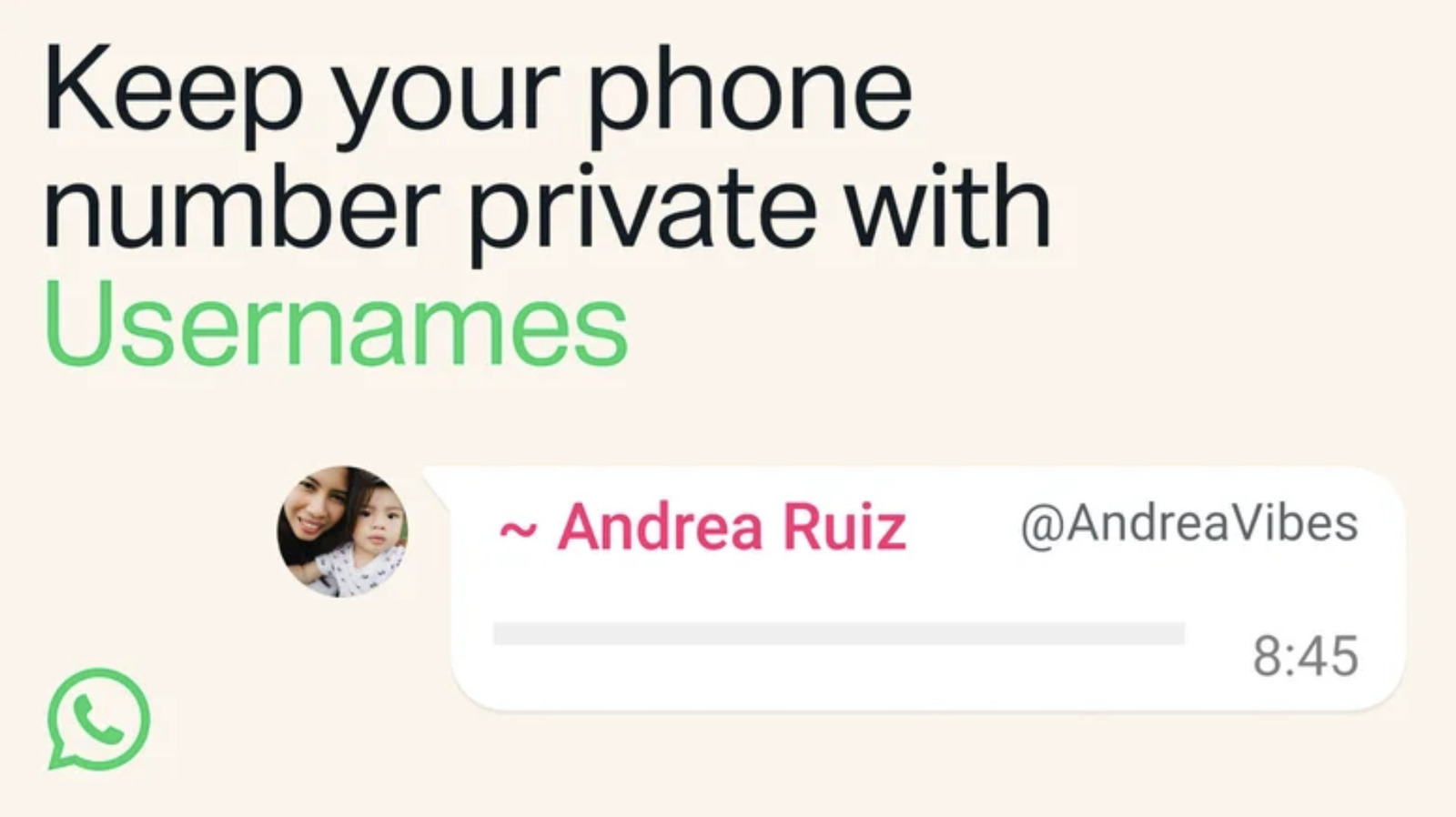
في وقت سابق من هذا الأسبوع، أعلنت ميتا أن منصة المراسلة الشهيرة واتساب ستدخل أسماء مستخدمين. يمكن لهذه الأسماء الاستعاضة عن أرقام هواتف الأشخاص، مما يسمح لهم بإبقاء معلومات الاتصال الشخصية أكثر خصوصية إذا رغبوا في ذلك. ميزة اسم المستخدم غير نشطة حتى الآن، وستشهد نشرًا عالميًا خلال الأشهر القادمة.

ومع ذلك، فإن التحفظات على أسماء المستخدمين متاحة الآن، وقد حدث بالفعل سباق بين الأشخاص لتأمين كيفية رغبتهم في أن يُعرفوا بها لدى أصدقائهم وعائلاتهم وكذلك لدى مجتمع التطبيق الأوسع. إذا كنت ترغب في الحصول على نفس العلامة على جميع منصاتك، فستحتاج إلى التصرف بسرعة. إليك ما تحتاج إلى معرفته لتأمين اسم مستخدم واتساب.

كيفية التحفظ على اسم مستخدم

في الوقت الحالي، لا تتوفر التحفظات على أسماء المستخدمين إلا على الإصدارات المحمولة من واتساب. إذا كنت تحافظ على تحديث تطبيقك، فقد تتلقى إشعارًا عندما يصبح اسم المستخدم متاحًا للتحفظ. إذا كنت تعتقد أنك فاتتك الإشعار أو ترغب فقط في الوصول إلى القائمة بنفسك، إليك الخطوات التي يجب اتخاذها:

لـ iPhone

  • انقر على زر "أنت"
  • انقر على ملفك الشخصي
  • اختر "إنشاء اسم مستخدم" أو "حجز اسم مستخدم" (قد يختلف الخيار بناءً على مرحلة الإطلاق)
  • انقر على حفظ > تم

لنظام أندرويد

  • انقر على قائمة النقاط الثلاث
  • انقر على الإعدادات
  • انقر على ملفك الشخصي
  • اختر "إنشاء اسم مستخدم" أو "حجز اسم مستخدم" (مرة أخرى، ما تراه يعتمد على ما هو متاح لك)
  • انقر على حفظ > تم

قيود أسماء المستخدمين في واتساب

كما هو الحال مع معظم الشبكات الاجتماعية الأخرى، يجب أن يكون اسم المستخدم الخاص بك فريدًا. وهذا يعني أنه بغض النظر عن مدى رغبتك في أن تُعرف باسم GlitterQueen4Eva، إذا قام شخص آخر باختطاف هذا اللقب أولاً، فستحتاج إلى إيجاد بديل. الطريقة الوحيدة التي قد تكون محظوظًا فيها بما يكفي لالتقاط اسم مستخدم تم استخدامه بالفعل هي إذا قرر ذلك الشخص تغيير ما حجزته، وهو أمر ممكن. بمجرد تغيير أو حذف اسم المستخدم المطالب به، يعود الاسم إلى المتاح بعد 14 يومًا. لم تحدد شركة ميتا عدد المرات التي سيُسمح فيها لشخص بتغيير اسمه، ولكن سيتم تطبيق حد في مرحلة ما.

في القوائم المذكورة أعلاه، إذا لم ترغب في إنشاء معرف جديد لنفسك، فستجد خيارًا لاستخدام اسم المستخدم نفسه من فيسبوك أو إنستغرام. وافتراضًا أنه لا أحد آخر قد استحوذ عليه بالفعل، يمكنك تأمين ذلك الاسم. قد ترغب في اختيار اسم أصلي لـواتساب إذا كان هدفك هو الخصوصية.

من الناحية العملية، يجب أن يكون اسم المستخدم بين ثلاثة و35 حرفًا. ويمكن أن يحتوي على حروف صغيرة، وأرقام، وشرطات سفلية ونقاط. لن يُسمح لك باستخدام اسم مستخدم يتكون من أرقام فقط، ولن يُسمح أيضًا بـ"الكلمات أو العبارات المقيدة"

استخدام الحس السليم لتجنب الاحتيال

تتخذ ميتا بعض التدابير لضمان أن الرسائل تأتي من أشخاص تعرفهم، مثل مفتاح تفويض للأشخاص الذين يتصلون بك باسم المستخدم لأول مرة. ومع ذلك، هناك مخاوف من أن وضع أسماء غير معروفة على الحسابات قد يزيد من احتمالية إقناع المحتالين أهدافهم بأنهم شخص آخر. في حين أن ميتا لن تسمح لأي شخص بالادعاء بأنه بيونسيه أو تيم كوك، لم توضح الشركة ما إذا كانت ستتحقق من المقلدين أم لا وكيفية القيام بذلك. على الرغم من أنه من الآمن الافتراض أن تايلور سويفت الحقيقية لن ترسل لك رسالة مفاجئة تطلب فيها المال، إلا أن احتيال وسائل التواصل الاجتماعي كلف أشخاصًا غير متوقعين مليارات الدولارات في الولايات المتحدة فقط.

تواجه ميتا بالفعل مقاومة ضد الإطلاق العالمي في الهند. ذكرت وكالة رويترز أن الحكومة الهندية تدعو ميتا إلى تجميد الإطلاق حتى تتمكن من تقديم مبررات إضافية للميزة وكيفية مكافحة الشركة للمخاطر المتزايدة للاحتيال. تعد الهند أكبر سوق لواتساب مع أكثر من 500 مليون مستخدم.

WhatsAppusernamesocial media
الخبر متوفّر باللغات التالية:English
المصدر الأصلي للخبر
إنجاجيت

How to claim a WhatsApp username

July 03, 2026·Engadget
How to claim a WhatsApp username

Get ready to navigate a free-for-all of social media handles.

By Anna Washenko July 3, 2026 9:30 am EST WhatsApp

Earlier this week, Meta announced that its popular messaging platform WhatsApp would introduce usernames. These handles can replace people's phone numbers, allowing them to keep that personal contact info more private if they wish. The username feature is not active yet, and it will see a global rollout over the coming months.

However, reservations for usernames are now open, and already there's been a scramble for people to secure how they want to be known to their friends and family as well as to the app's broader community. If you want to have the same tag on all your platforms, you'll want to act quickly. Here's what you need to know to lock down your WhatsApp username.

How to reserve a username

For now, the username reservations are only available on the mobile versions of WhatsApp. If you keep your app updated, you may receive a notification when usernames are available for you to reserve. If you think you missed the notification or just want to get to the menu on your own, here are the steps to take:

For iPhone

  • Tap the You button
  • Tap your profile
  • Pick "Create Username" or "Reserve Username" (The option may vary based on the stage of the rollout.)
  • Tap Save > Done

For Android

  • Tap the three-dot menu
  • Tap Settings
  • Tap your profile
  • Pick "Create Username" or "Reserve Username" (Again, what you see depends on what's available to you.)
  • Tap Save > Done

Restrictions on WhatsApp usernames

As with most other social networks, your username must be unique. That means no matter how much you might want to be known as GlitterQueen4Eva, if someone else snatches that title first, you'll need to come up with an alternative. The only way you might be lucky enough to grab an already-taken username is if that person opts to change what they have reserved, which can happen. Once a claimed handle has been changed or deleted, that name goes back up for grabs after 14 days. Meta hasn't specified how many times a person will be allowed to change their handle, but a limit will be applied at some point.

In the above menus, if you don't want to create a new ID for yourself, you'll see an option to use your same username from Facebook or Instagram. Assuming nobody else has already snagged it, you can lock that name down. You may want to go with an original name for WhatsApp if privacy is your goal for a username.

In more practical terms, a username must be between three and 35 characters. They can contain lowercase letters, numbers, underscores and periods. You won't be allowed to have a username of all numbers, and "restricted words or phrases" also won't be permitted.

Use common sense to avoid scams

Meta has some measures planned to ensure that messages are coming from people you know, such as an authorization key for people contacting you by username for the first time. However, there are concerns that putting unverified names to accounts could increase the odds of scammers convincing their targets that they are somebody else. While Meta won't be allowing just anyone to claim that they're Beyoncé or Tim Cook, the company hasn't explained if or how it will check for copycats. Although it's safe to assume the real Taylor Swift won't suddenly message you desperate for money, social media scams have cost unsuspecting people billions of dollars in the US alone.

Meta is already facing pushback against the global rollout in India. Reuters reported that the Indian government is calling for Meta to freeze the rollout until it can provide additional justifications for the feature and how the company will combat the elevated risks of fraud. India is the largest market for WhatsApp with more than 500 million users.

WhatsAppusernamesocial media
This article is also available in:العربية
Original source article
Engadget