هل من الآمن استخدام شاحن حاسوب محمول من نوع USB-C في هاتفك؟
23 أغسطس 2026·إنجاجيت
هل من الآمن استخدام شاحن حاسوب محمول من نوع USB-C في هاتفك؟

هل سيحترق هاتفك إذا استخدمت الكابل الخاطئ؟

بقلم جابرييلا فاتو 23 أغسطس، 2026 1:30 مساءً EST ليودميلا شيريتسكا/جيتي إيمجز

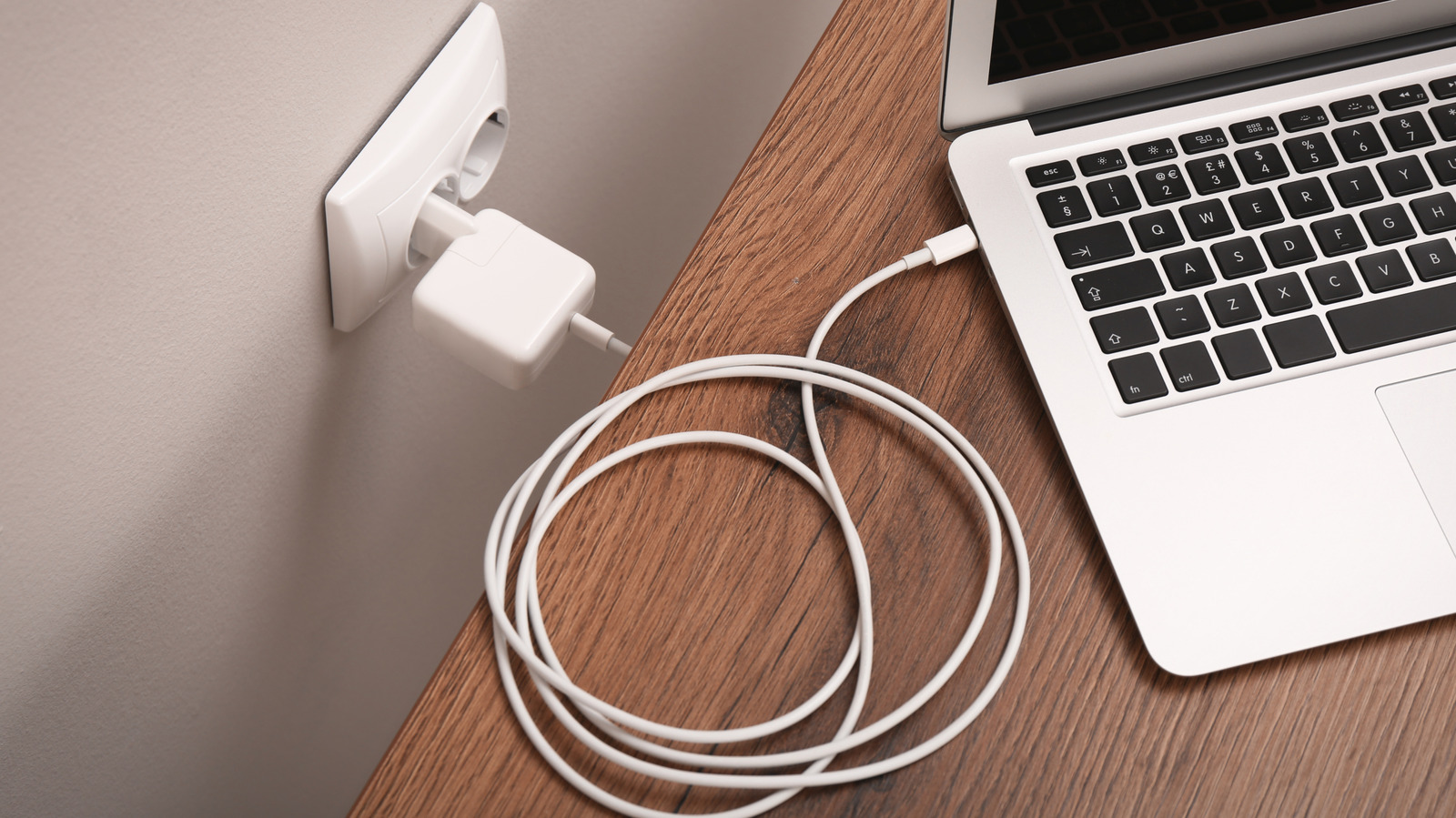
يحدث هذا بشكل متكرر: لديك حاسوب محمول مشحون بالكامل موصولاً أمامك، لكن هاتفك الذكي متأخر جدًا. لذا، تفصل الشاحن عن الحاسوب المحمول وتستخدمه مع هاتفك. كلاهما يحتويان منافذ USB-C، إذن يجب أن يكون الأمر جيدًا، أليس كذلك؟ هذه هي المسألة الكبيرة التي سألنا أنفسنا عنها جميعًا، خاصة وأن USB-C أصبحت شائعة الآن عبر الهواتف والأجهزة اللوحية والحاسوب المحمول. من السهل الافتراض بأن كل شاحن يعمل بنفس الطريقة، وفي الواقع، إنها رهان آمن لإجرائه. تم تصميم معايير الشحن الحديثة لجعل من الممكن خلط وتطابق الشواحن والأجهزة بأمان.

هناك شيء يجب أن تعرفه وهو أن شاحن الحاسوب المحمول USB-C لا يفرض ببساطة أقصى قدر من الواط على الهاتف. في الواقع، يحكم شحن USB-C الحديث معيار توصيل الطاقة USB، وهو بروتوكول يمكّن الشاحن والجهاز من التواصل قبل نقل أي طاقة كبيرة.

مع ذلك، فقط لأن استخدام شاحن قوي يعتبر آمنًا بشكل عام لا يعني عدم وجود مواقف تأتي مع خطر. يمكن أن تختلف نتائج الشحن حسب الشاحن، الكابل، نموذج الهاتف وبروتوكول الشحن المستخدم. عادة ما يكون شاحن USB-C عالي الجودة من مصنع معروف مناسبًا لهاتف ذكي حديث، لكن الأجهزة القديمة، الإكسسوارات الرخيصة والكابلات التالفة يمكن أن تسبب مشاكل.

كيف يعمل توصيل الطاقة عبر USB في الواقع؟

USB Power Delivery (USB-PD) هو معيار شحن طوره منتدى تنفيذ USB (USB-IF) الذي يحكم كيفية تدفق الطاقة بين الشاحن والجهاز. الشيء الرئيسي الذي يجب تذكره هنا هو أنه ليس الشاحن الذي يدفع الطاقة إلى هاتفك، بل الهاتف الذي يسحب بالضبط ما يحتاجه.

عند توصيل جهاز، يحدث تبادل. سيقوم الشاحن بإرسال نطاقه الكامل من مستويات الطاقة إلى الهاتف الذكي، وسيقبل الهاتف أعلى مستوى يمكنه استخدامه بأمان من القائمة. بسبب هذه العملية التفاوضية، لا يمكن لشاحن عالي الواط أن يحرق دوائر هاتفك. لن يمتص الهاتف في الواقع طاقة أكثر مما صُممت مكوناته الداخلية للتعامل معه.

متى يمكن استخدام شاحن حاسوب محمول للهاتف؟

باختصار؟ في معظم الأوقات، طالما أن كلا الجهازين تم تصنيعهما خلال العقد الماضي أو ما شابه. تدعم جميع هواتف آيفون الحديثة، وأجهزة بكسل، وجالاكسي، وحواسيب ماك بوك، ومعظم الحواسيب المحمولة التي تعمل بنظام ويندوز هذه الأيام منفذ USB-PD. عندما يكون كل من الشاحن والهاتف متوافقين مع USB-PD، تبدأ عملية التفاوض المذكورة أعلاه تلقائيًا ويمكنك استخدام هذا المزيج يوميًا دون أي مشكلة.

إذن ماذا يحدث إذا كان أحد الجهازين أو كلاهما يفتقدان دعم USB-PD؟ لا يزال الوضع جيدًا بشكل عام لأن شاحن USB-PD المتصل بهاتف غير متوافق مع USB-PD سيتحول ببساطة إلى إخراج آمن. حتى لو تم تخطي خطوات التفاوض، سيتم شحن الهاتف ببطء ولكن بأمان. وبالمثل، فإن الشاحن غير المتوافق مع USB-PD المتصل بهاتف يدعم USB-PD سيتوقف عند 5V/3A، وهو أكثر من كافٍ لشحن بطيء وآمن.

هل يمكن لشاحن حاسوب محمول شحن هاتفك بشكل أسرع؟
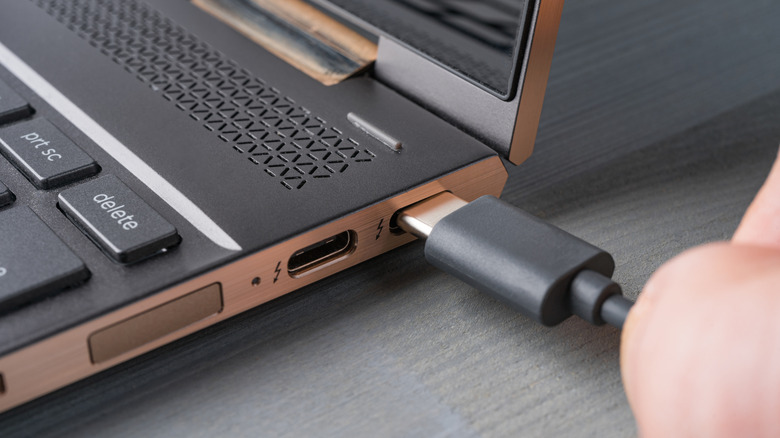
شاحن من نوع USB-C يتم توصيله بحاسوب محمول. Cronislaw/Getty Images

يعتمد الإجابة على هذا السؤال حقًا على قدرات الشحن السريع لهاتفك. إذا كان هاتفك يدعم شحن الجهد العالي، وكان شاحن الحاسوب المحمول قادرًا على توفيره، فمن المرجح أن ترى سرعات شحن أسرع من الشاحن الجداري القياسي. على سبيل المثال، تذكر شركة آبل أن الشحن السريع للعديد من هواتف iPhone الحديثة يتطلب محول طاقة USB-C متوافق بقوة 20 واط أو أكثر. يمكن لشاحن حاسوب محمول بقوة 65 واط تخطي هذه العتبة بسهولة، لذا سيقوم هاتف iPhone بالتفاوض على الطاقة التي يحتاجها والشحن وفقًا لذلك. يجب أن تكون على دراية أيضًا بأن بعض علامات تجارة الهواتف الذكية تستخدم بروتوكولات شحن خاصة بها تتطلب كابل أو حجر طاقة خاص بها لتحقيق السرعات المعلن عنها.

ومع ذلك، إذا كانت شاحنة هاتفك مقيدة بـ 18 واط أو 20 واط كمدخل، فلن يؤدي توصيلها بشاحن حاسوب محمول بقوة 100 واط إلى تسريع عملية الشحن، لأن الهاتف سيستخرج فقط ما هو مصمم له. ولا يعني وجود واط أكثر على ملصق الشاحن زيادة السرعة؛ بل يعني فقط أن الشاحن لديه مساحة إضافية لأجهزة أخرى. وبما أنك سترى عادةً 100 واط أو 140 واط أو أكثر على شاحنات متعددة المنافذ، فإن هذه المخرجات القصوى مصممة "لتغطية" جميع الأجهزة المتصلة. أما العكس، أي استخدام شاحن هاتفك مع حاسوبك المحمول، فلن يوفر لك نفس سرعة الشحن السريعة التي اعتدت عليها. أوه، ولا تتوقع نتائج مبهرة إذا استخدمت منافذ يو إس بي في سيارة لشحن حاسوبك المحمول أيضًا.

يجب أن تتوخى الحذر عند شحن أجهزتك، خاصة إذا كانت الشواحن رخيصة وغير معتمدة. وغالبًا ما تتجاوز الشواحن المزيفة أو ذات التصميم الرديء حواجز العزل الأساسية بين مصدر التيار المتردد وجانب مخرج التيار المستمر، لذا يمكن أن يمر ارتفاع مفاجئ في هذا النوع من الأجهزة إلى هاتفك. كما تمثل الكابلات ذات الجودة المنخفضة خطرًا خفيًا، حيث قد تفتقر كابل يو إس بي غير المعتمد إلى المقاوم الداخلي المطلوب بمواصفات يو إس بي سي. وكقاعدة عامة، قبل استخدام أي شاحن، تحقق من وجود علامات التصديق على السلامة مثل Underwriters Laboratories (UL) أو Intertek (ETL) أو علامة CE.

نظرًا لأننا ركزنا على ما إذا كان من الجيد أو لا شحن هاتفك الذكي باستخدام حجر الكمبيوتر المحمول، يجب أن تعرف أن الأجهزة الأصغر الأخرى من نوع USB-C قد لا تأتي مع نفس المتحكمات الدقيقة المطلوبة للتواصل بشكل صحيح مع الشاحن عالي الطاقة. تبدأ معظم الشواحن السريعة بـ 5 فولت ولا ترتفع إلا بعد التفاوض، لذا فإن الخطر عادةً ما يكون منخفضًا، ولكن يجب أن تلتزم بالشاحن الذي جاء في العلبة، فقط في حالة حدوث أي شيء.

USB-Cchargerlaptop
الخبر متوفّر باللغات التالية:English
المصدر الأصلي للخبر
إنجاجيت

Is it safe to use a USB-C laptop charger on your phone?

August 23, 2026·Engadget
Is it safe to use a USB-C laptop charger on your phone?

Or will using the wrong cable fry your phone?

By Gabriela Vătu Aug. 23, 2026 1:30 pm EST Liudmila Chernetska/Getty Images

It's a common occurrence: You have your fully charged laptop plugged in before you, but your smartphone is seriously lagging behind. So, you unplug the charger from your laptop and use it with your phone. Both have USB-C ports, so it should be OK, right? That's the big question that we've all asked ourselves, especially as USB-C is now common across phones, tablets and laptops. It's easy to assume every charger works the same way, and, in practice, it's a safe bet to make. Modern charging standards are designed to make it possible to mix and match your chargers and devices safely.

Something you should know is that a USB-C laptop charger does not simply force maximum wattage into a phone. In fact, modern USB-C charging is governed by the USB Power Delivery standard, which is a protocol that enables a charger and a device to communicate before any significant power is transferred.

That said, just because using a high-power charger is considered to be generally safe doesn't mean there aren't situations that come with a risk. Charging results can vary depending on the charger, cable, phone model and charging protocol involved. A high-quality USB-C laptop charger from a reputable manufacturer is usually fine for a modern smartphone, but older devices, cheap accessories and damaged cables can still create issues.

How does USB power delivery actually work?

USB Power Delivery (USB-PD) is a charging standard developed by the USB Implementers Forum (USB-IF) that governs how power flows between a charger and a device. The key thing to remember here is that it's not the charger pushing power into your phone, but rather the phone pulling exactly what it needs.

When you plug in a device, there's a back-and-forth happening. The charger will transmit its full range of power levels to the smartphone, and the smartphone will accept the highest level it can safely use from the list. Because of this negotiation process, a high-wattage charger cannot fry your phone's circuits. The phone will never actually absorb more power than its internal components are designed to handle.

When is it safe to use a laptop charger on your phone?

In short? Almost always, provided both devices were made in the last decade or so. All recent iPhones, Pixel phones, Galaxy devices, MacBooks and most Windows laptops these days support USB-PD. When both your charger and phone are USB-PD compatible, the negotiation process described above kicks in automatically and you can use that combination every day without issue.

So what happens if one or both devices lack USB-PD support? It's still generally fine because a USB-PD charger connected to a non-USB-PD phone will simply default to a safe output. Even if the negotiation steps are skipped, the phone will charge slowly but safely. Similarly, a non-USB-PD charger connected to a USB-PD phone will cap out at 5V/3A, which is more than enough for a slow, safe charge.

Will a laptop charger charge your phone faster?

A USB-C charger being plugged into laptop. Cronislaw/Getty Images

The answer to this question really depends on your phone's fast-charging capabilities. If your phone supports higher-voltage charging and the laptop charger can deliver it, then yes, you'll likely see faster charging speeds than with a standard wall adapter. For example, Apple states that fast charging for many recent iPhones requires a compatible 20W or higher USB-C power adapter. A 65W laptop charger clears that bar quite easily, so your iPhone will negotiate the power it needs and charge accordingly. You should also be aware that some smartphone brands use their own proprietary charging protocols that require their specific cable or power brick to achieve advertised speeds.

However, if your phone is limited to 18W or 20W input, plugging it into a 100W laptop charger won't make it charge any faster, as the phone will only pull what it's rated for. More watts on the charger label doesn't mean more speed; it just means the charger has headroom for other devices. Since you'll most often see 100W, 140W or higher on multi-port chargers, those maximum outputs are designed to "cover" all plugged-in devices. The reverse, namely using your phone's charger with your laptop, won't deliver the same quick charge you are used to achieving. Oh, and you shouldn't expect impressive results if you use your car's USB ports to charge your laptop, either.

You should still exercise caution when charging your devices, especially if you have cheap, uncertified chargers. Counterfeit or poorly engineered chargers often bypass essential isolation barriers between the AC mains and the DC output side, so a surge in that type of device can pass damaging voltage spikes to your phone. Low-quality cables are also a hidden risk, as a non-certified USB-C cable may lack the internal pull-up resistor required by the USB-C spec. As a rule of thumb, before you use any charger, check it for safety certification markings such as Underwriters Laboratories (UL), Intertek (ETL) or the CE mark.

Since we've focused on whether or not it's a good idea to charge your smartphone with your laptop brick, you should know that other smaller USB-C devices may not come with the same microcontrollers needed to properly communicate with a high-power charger. Most fast chargers start at 5V and only step up after negotiation, so the risk is usually low, but you should still stick to the charger that came in the box, just in case.

USB-Cchargerlaptop
This article is also available in:العربية
Original source article
Engadget